Featured Articles

Intel plans Haswell refresh in Q2 2014

Intel plans Haswell refresh in Q2 2014

Intel has been executing its tick tock strategy flawlessly since January 2006 and now there is some indication that we might…

More...
Xbox One demoed running GTX card

Xbox One demoed running GTX card

It looks like the Xbox One just cannot catch a break. We have stumbled upon a report claiming that Xbox One…

More...
Haswell Pentium and Core specs surface

Haswell Pentium and Core specs surface

Haswell is out and now we have the complete specs for Intel’s first batch of fourth generation Core parts, as well…

More...
EVGA GTX 770 ACX 2GB previewed

EVGA GTX 770 ACX 2GB previewed

Nvidia is hoping that the Geforce GTX 770 will be a very popular product, and EVGA obviously share this view, as…

More...
Gainward GTX 770 Phantom reviewed

Gainward GTX 770 Phantom reviewed

Gainward has now officially unveiled its custom version of the Geforce GTX 770, the Gainward GTX 770 Phantom. Based on the…

More...
Frontpage Slideshow | Copyright © 2006-2010 orks, a business unit of Nuevvo Webware Ltd.
Thursday, 05 May 2011 08:53

Cooler Master NotePal LapAir tested - 3. A closer look at LapAir

Written by Sanjin Rados

lapair_thumb

Review: Because your lap(top) deserves it

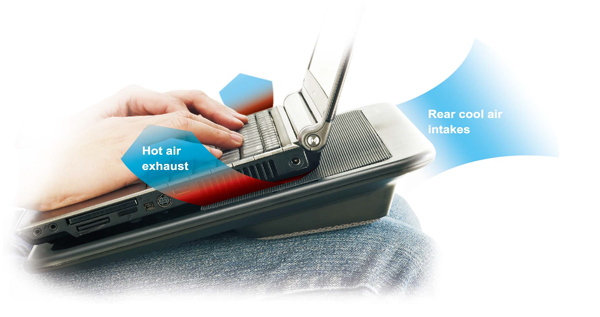
As you can see, LapAir is designed to comfortably sit on your knees and angle your laptop while it’s at it.
aon-the-lap

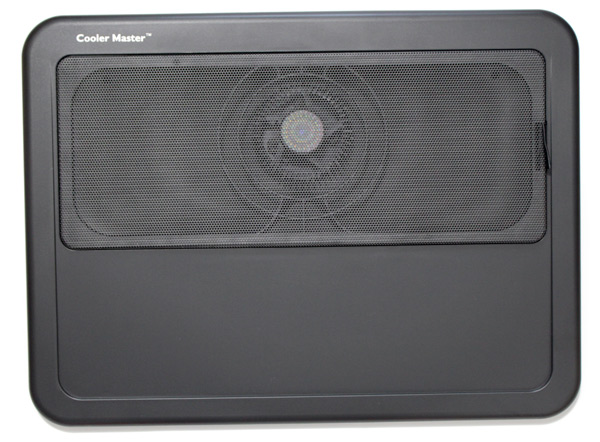
Thanks to clever design, airflow will not be blocked when you’re working on your knees or couch. The device uses an 8cm fan that’s placed center-top.

aCM_LapAir_1_

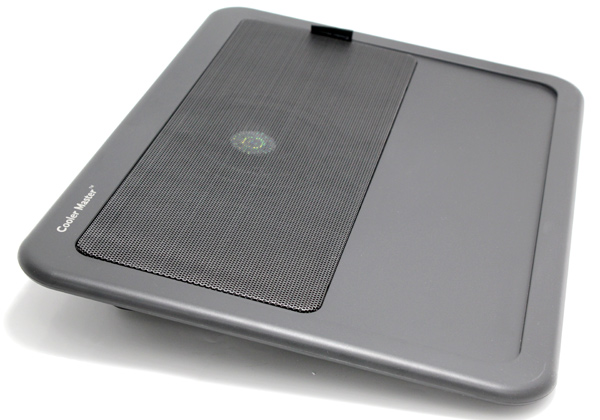
The fan has a mesh grill cover that can be taken off and cleaned.
aCM_LapAir_2

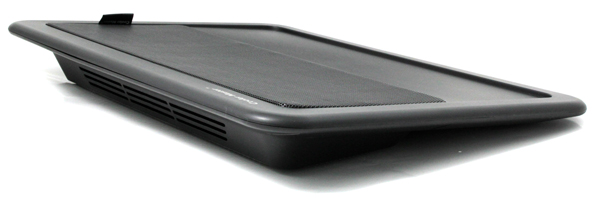
LapAir is angled for two reasons – your posture while working and optimum air-circulation.
aCM_LapAir_3

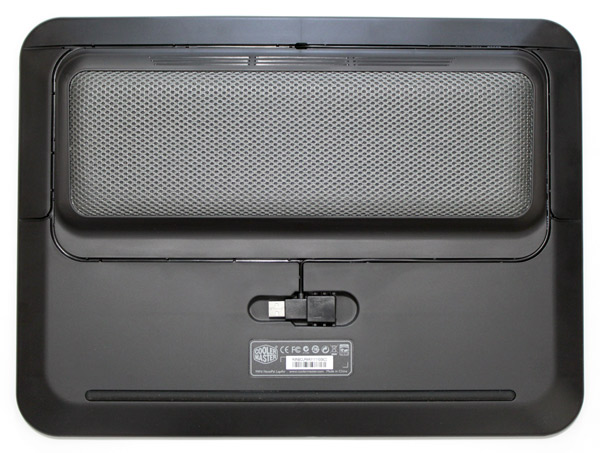
Bottom of the LapAir has soft mat surface and your knees will surely appreciate it.
aCM_LapAir_5

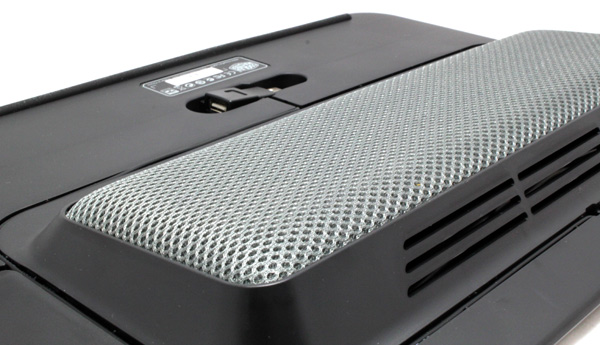
However, soft matte is pretty slippery so Cooler Master put a thick rubber strip on the other side to stop LapAir from moving.
aCM_LapAir_7

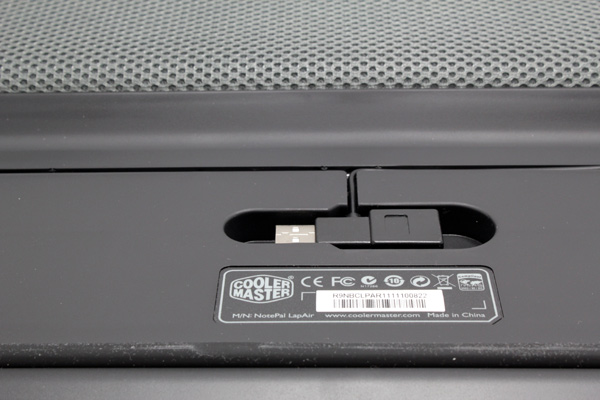
The fan is powered via USB cable, which is physically connected to the fan. The USB tip is a pass-through connector, meaning you still get to use the port for something else.
aCM_LapAir_8

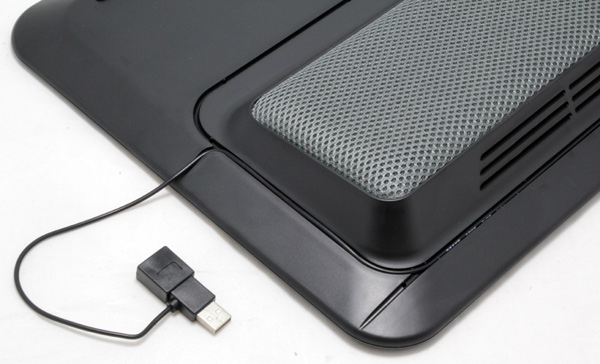
You can route the cable via channels (above) to where you have a free USB on your laptop.
aCM_LapAir_9

(Page 3 of 4)
Last modified on Thursday, 05 May 2011 09:33
blog comments powered by Disqus

To be able to post comments please log-in with Disqus


Facebook activity

Latest Commented Articles

Recent Comments