Index
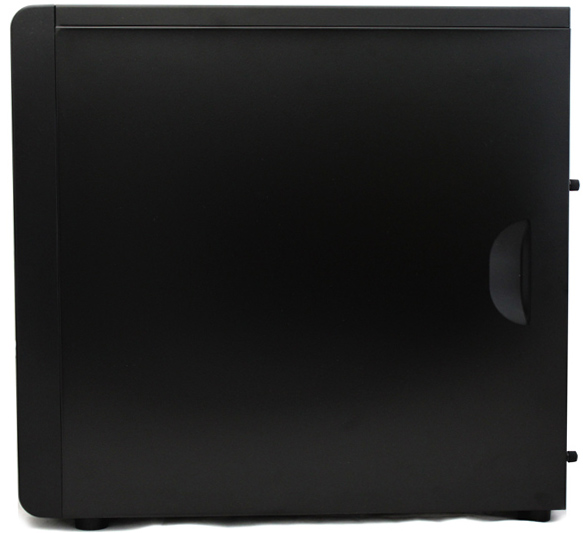
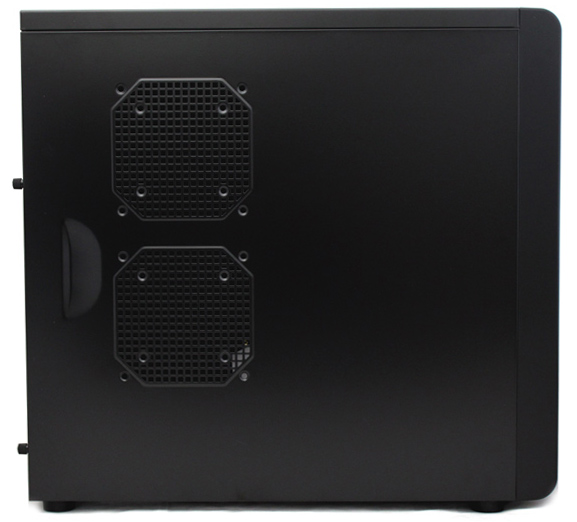
The right and top panels are completely closed, whereas the left side has some air vents. Removing side panels is quite easy and Cooltek used big-head screws, rendering tools obsolete for the task.
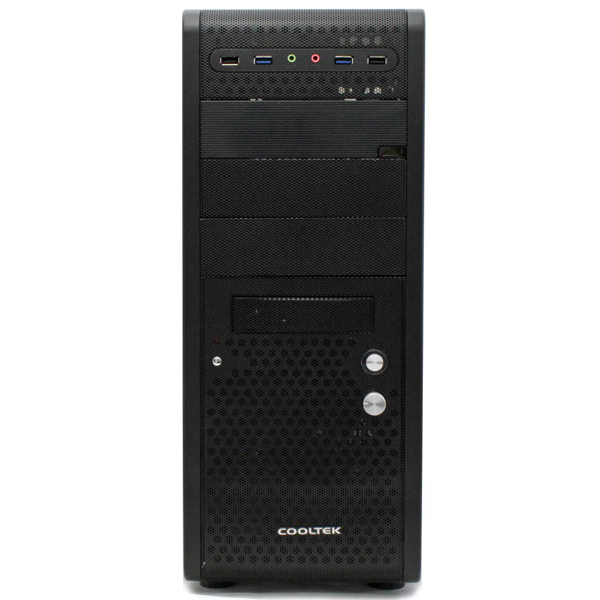
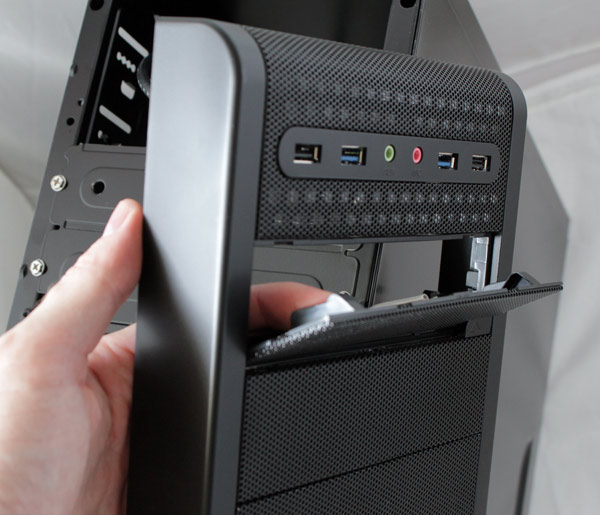
Although all connectors and keys are located on the front panel, it’s nicely design and not at all cluttered. The On/Off and reset keys are on the lower half of the panel, while the connectors form a line on the top. Among the connectors are two blue USBs, which means that they’re USB 3.0 ports. Of course, there are also two standard USB 2.0 connectors for those whose motherboards don’t support USB 3.0.
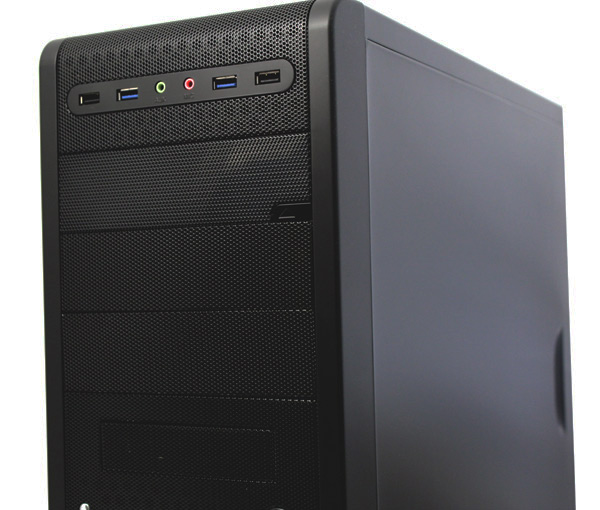
The largest of the three buttons (picture below) is the RPM regulator. The case comes stocked with one 120mm blue LED fan (1200RPM max) on the front panel.
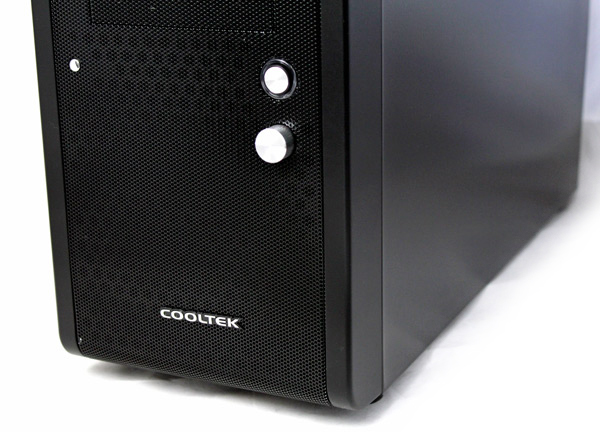
When the computer is on, the ring around the On/Off key glows blue. The fan’s LED glow intensity depends on the RPM.
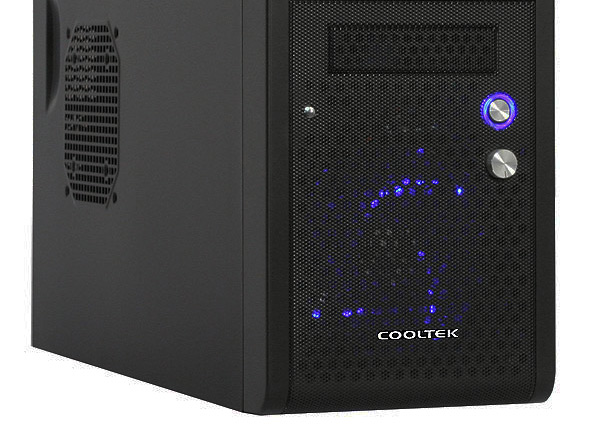
The RPM regulator can only control one fan, which isn’t quite ideal. However, the fan is very quiet so you can put the regulator to use with some of the other four optional fans. The rear panel will take one fan (only 120mm), bottom panel as well (80mm, 92mm or 120mm) while the right panel will take two (80mm or 120mm).
The K3 Evolution offers three 5.25 optical drive slots. One 5.25 inch cover can be kept in order to keep the mesh grill looks on the front panel. Mounting optical drives will require you to take the front panel off, where a simple tug on the bottom will do.
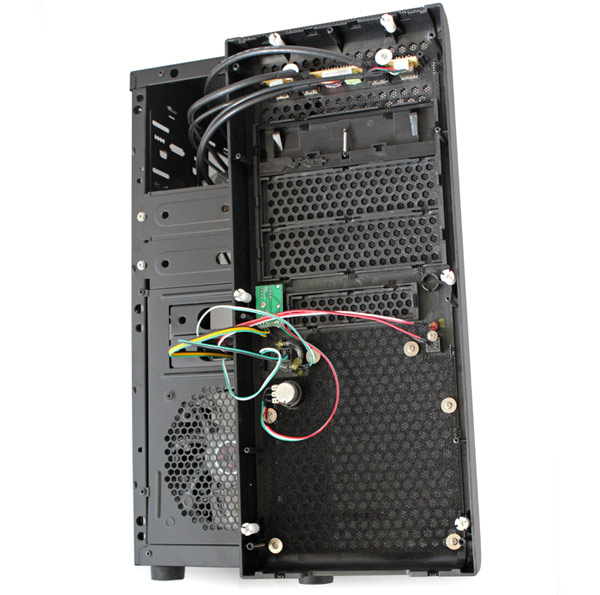
A thin layer of foam serves as dust filter.
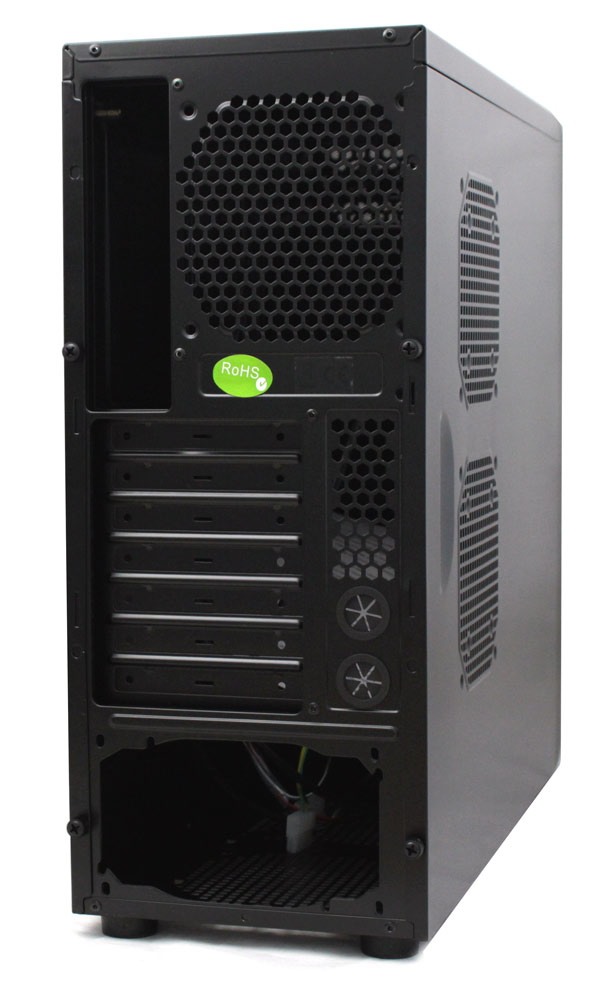
The rear panel is standard. The PSU slot is placed on the bottom; there are seven slots for cards, two water cooling holes and the motherboard I/O panel hole.
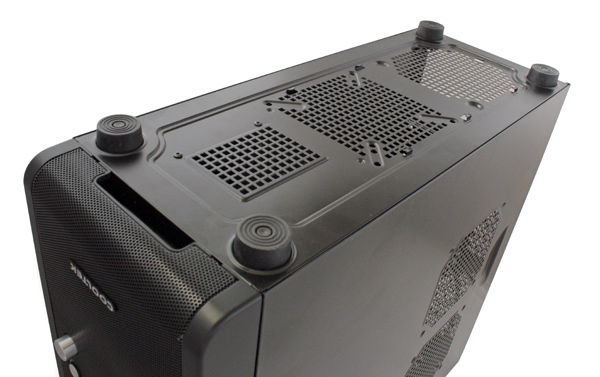
The K3 Evolution stands on rubber feet, which are tall enough to allow the case to draw cool air from the bottom. There are no dust filters here.