Index
Page 4 of 6
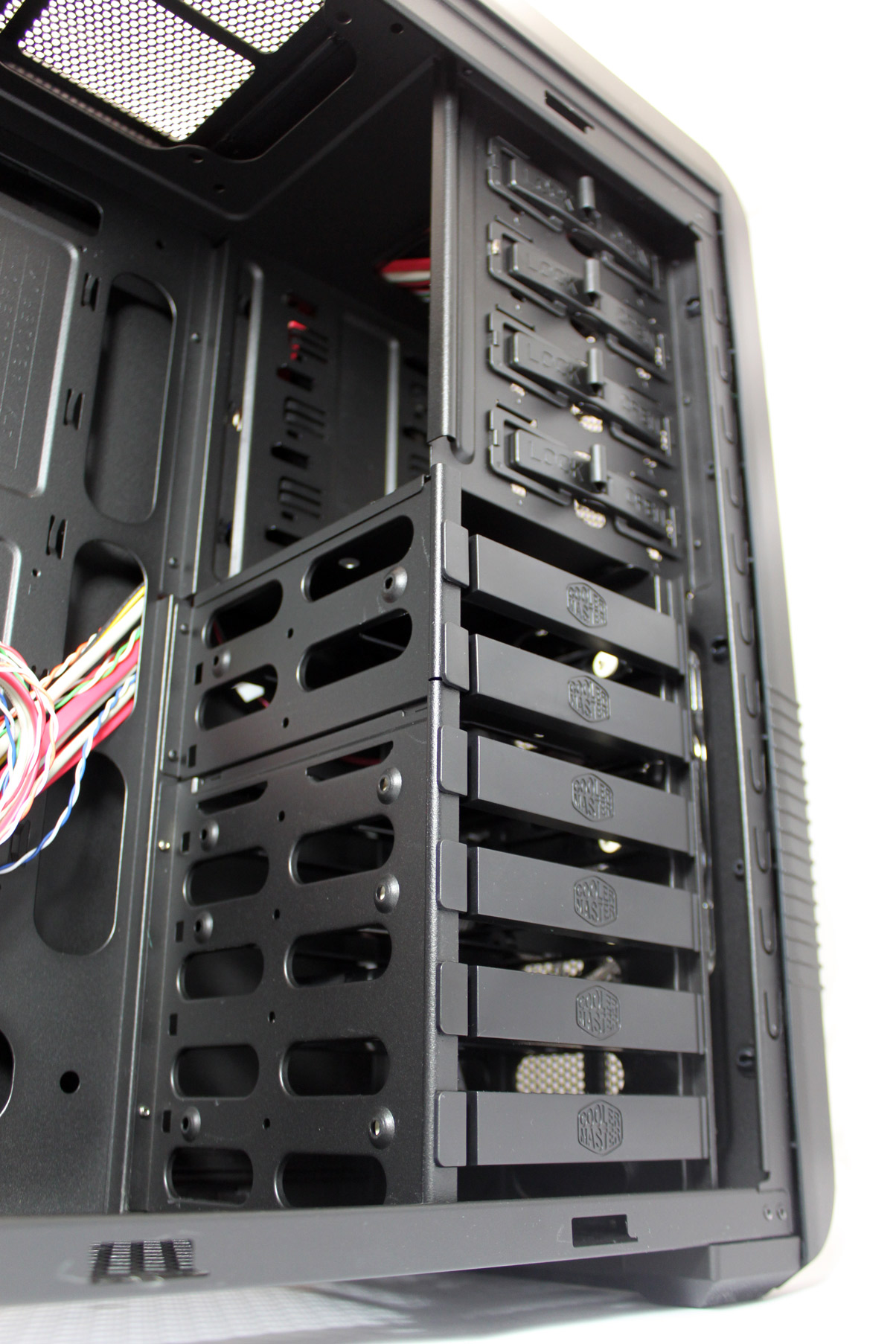
CM 690 Advanced is black inside and out, which makes it pretty cool especially if you purchase the version with the side panel window. As you can see from the picture below, the case is roomy enough. In fact, the case will take any graphics card except for the HD 5970, which is over 310mm long. Good thing about the case is that the HDD trays can be removed from the front, so you won’t need to take out the graphics card if you change disks. The case supports microATX and ATX motherboards.
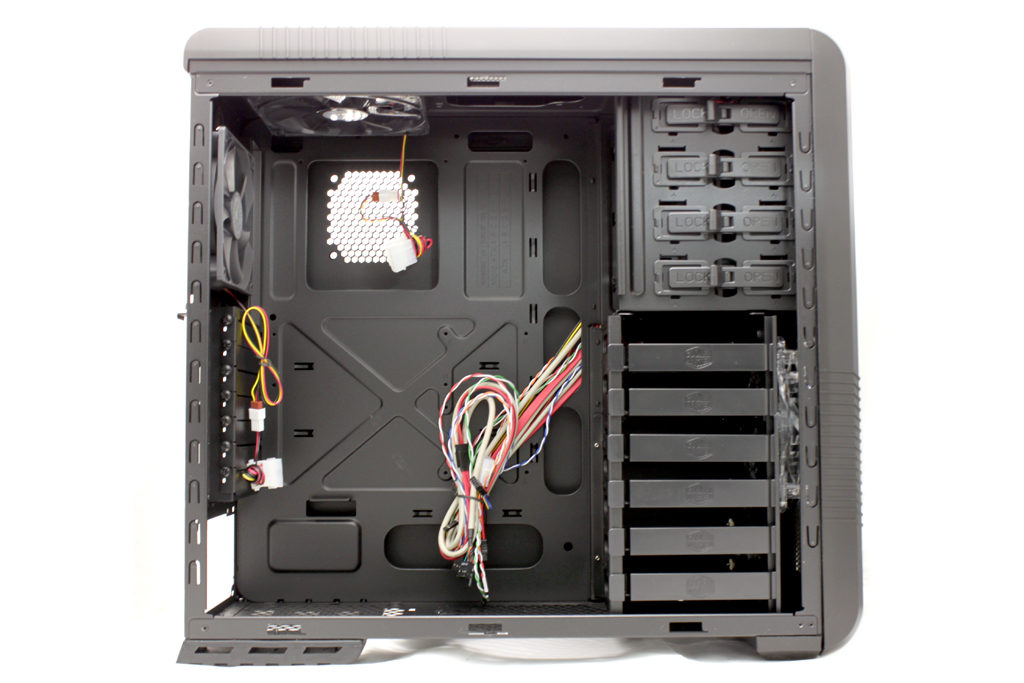
The motherboard tray features plenty of holes, with the largest one for the CPU cooling. This will make sure that large and heavy cooling solutions, like those requiring a backplate, can be mounted without taking the motherboard out of the case. The rest of the holes are for cable management.
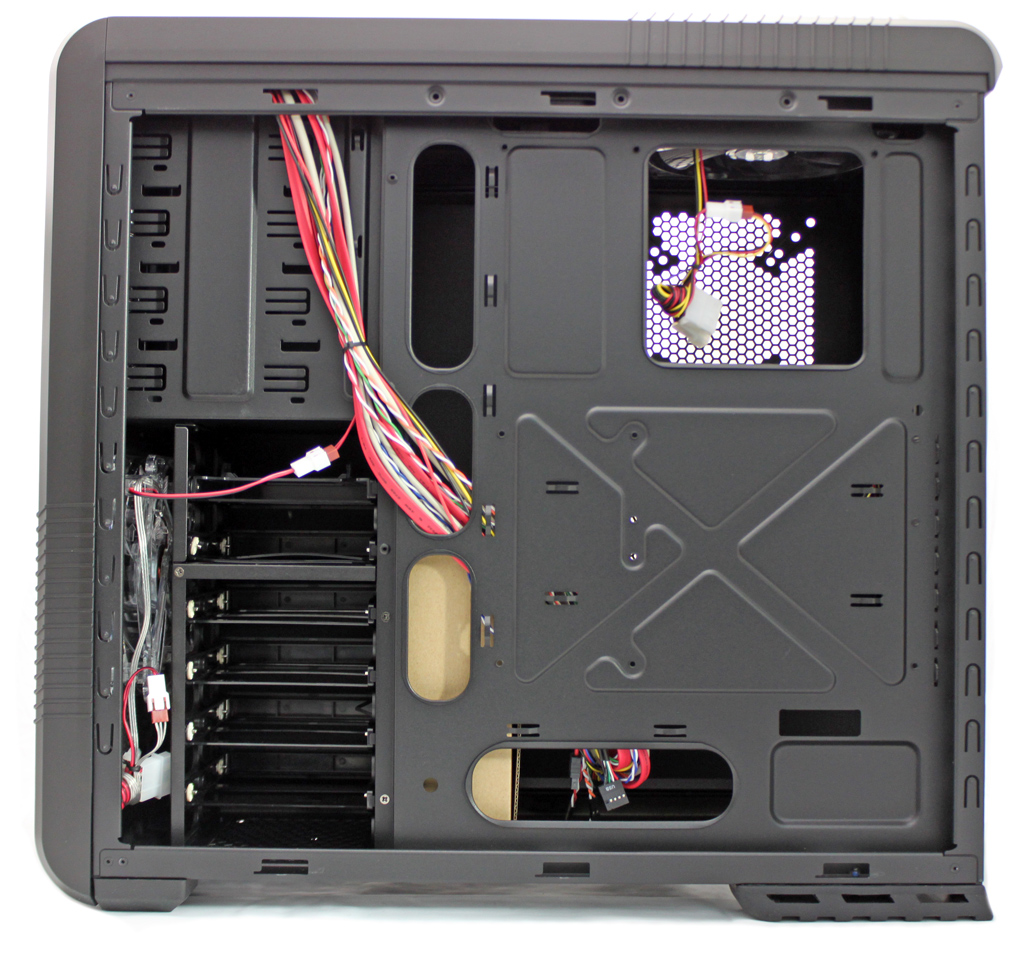
HDD trays won’t get in the way of other components, but you’ll probably have to remove the side panel when connecting or disconnecting the HDD. If you only have one or two HDDs, you can pull the tray out and then disconnect the cables, but if more disks use the same cable, you’ll have to access them from behind the right the side panel. The CM 690 Advance will take up to 3.5’’ HDDs, provided that one is placed in the 5.25’’ bay using the provided bracket.
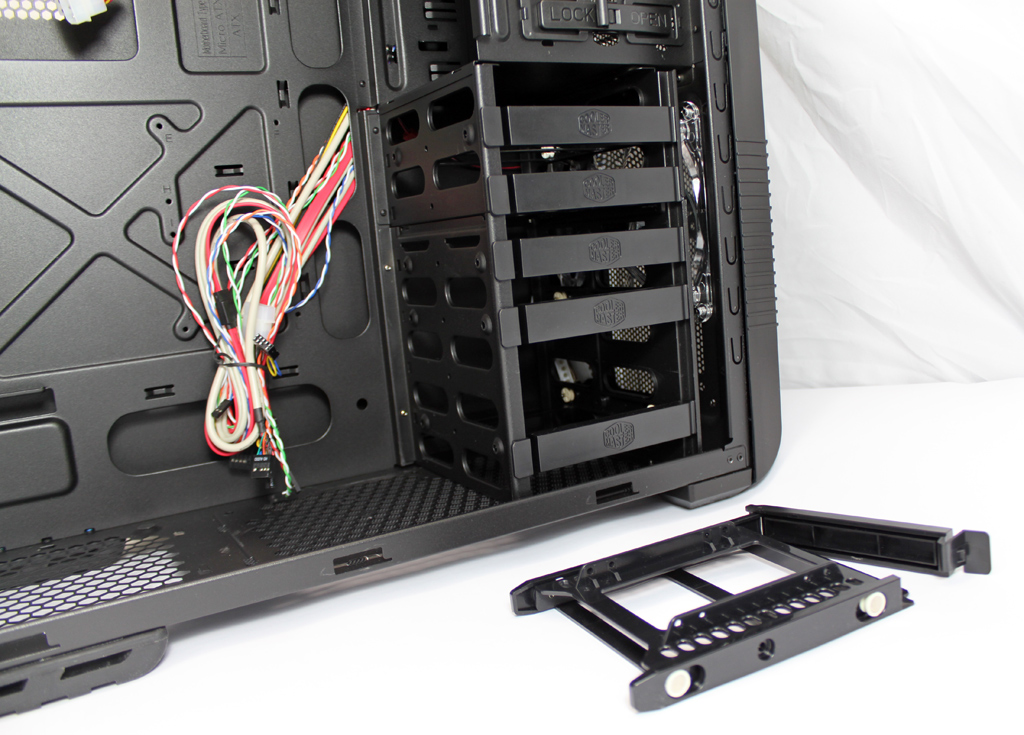
In order to mount a 2.5’’ HDD/SSD, a special HDD tray can be used, but only one tray supports it and you can use it to mount two 2.5’’ fans. You can see it on the picture above.
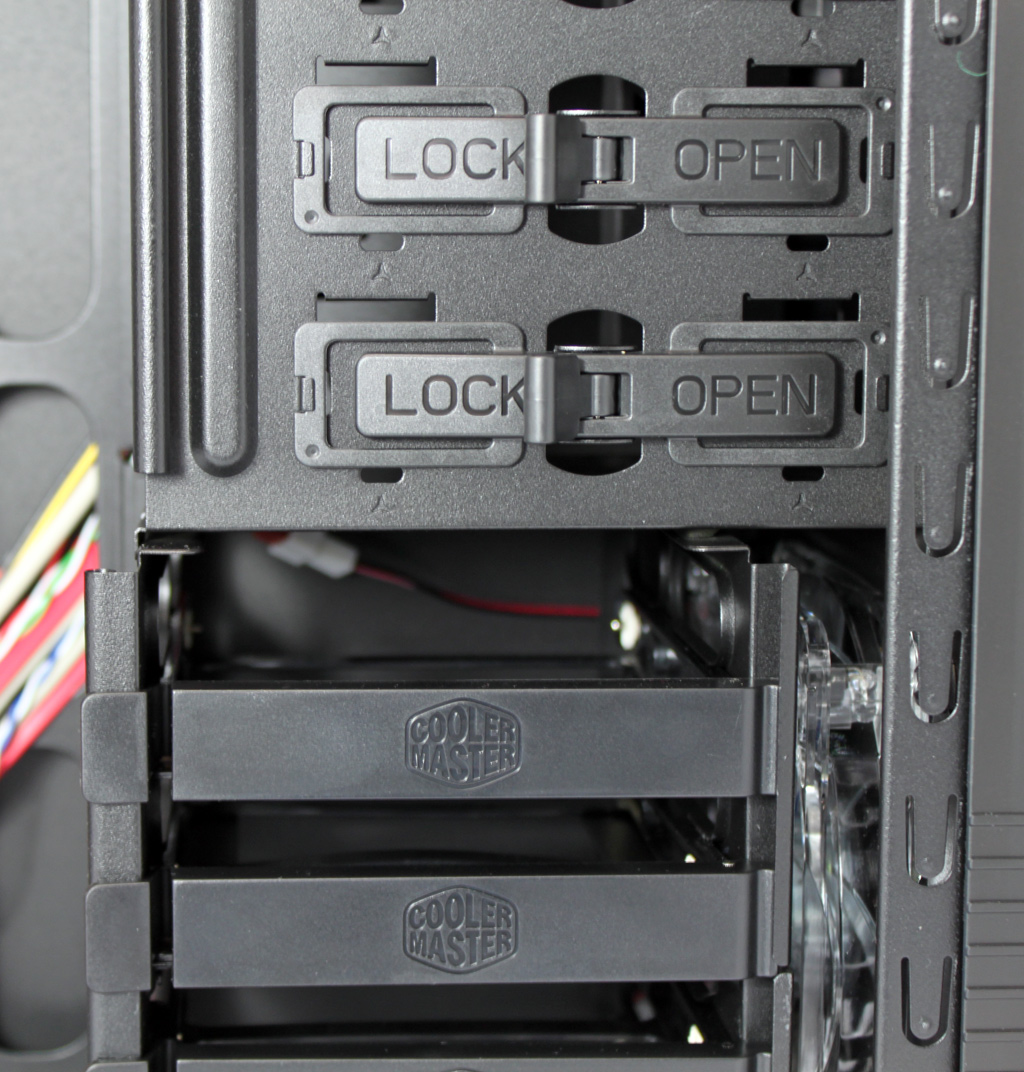
You can mount up to four optical drives all without reaching for tools, as the case uses lock/open system on the picture below. We must admit that the locking system is much better than the system used on our recently tested and by the way much pricier Obsidian 800D case.
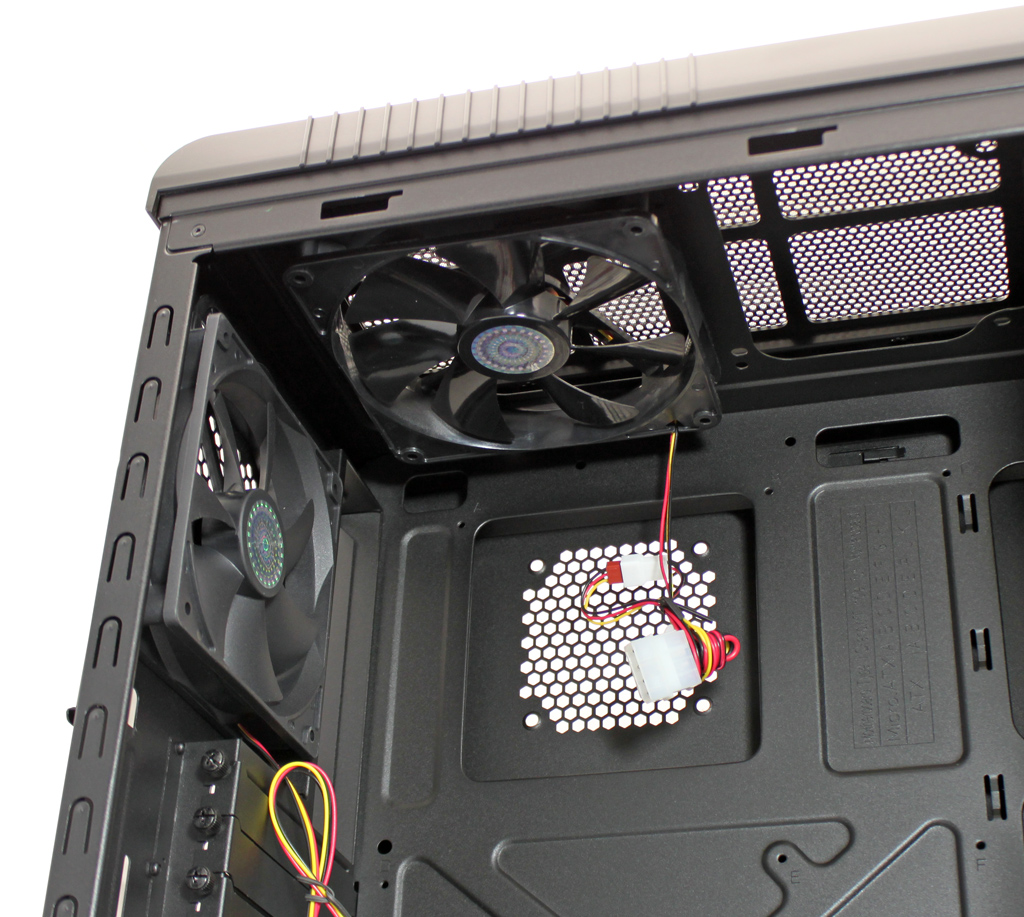
The CM 690 Advanced comes with three fans – two 140mm fans ( A14025-10CB-3BN-F1 : 1200 RPM, 19 dBA) are located on top and front of the case, and the front panel features a blue LED that can be turned on or off via the I/O panel. The rear panel features a small 120mm fan ( A12025-12CB-3BN-F1 : 1200 RPM, 17dBA). It’s worth noting that the top panel can house one more 120/140mm fan, and as we said before, the CM 690 Advanced will take up to 11 fans.
The CM 690 Advanced uses thumb screws, so you won’t be needing tools. CoolerMaster thought of the inexperienced ones as well and marked the holes with letters, which will help you mount the motherboard the right way, whether it’s ATX or mATX.
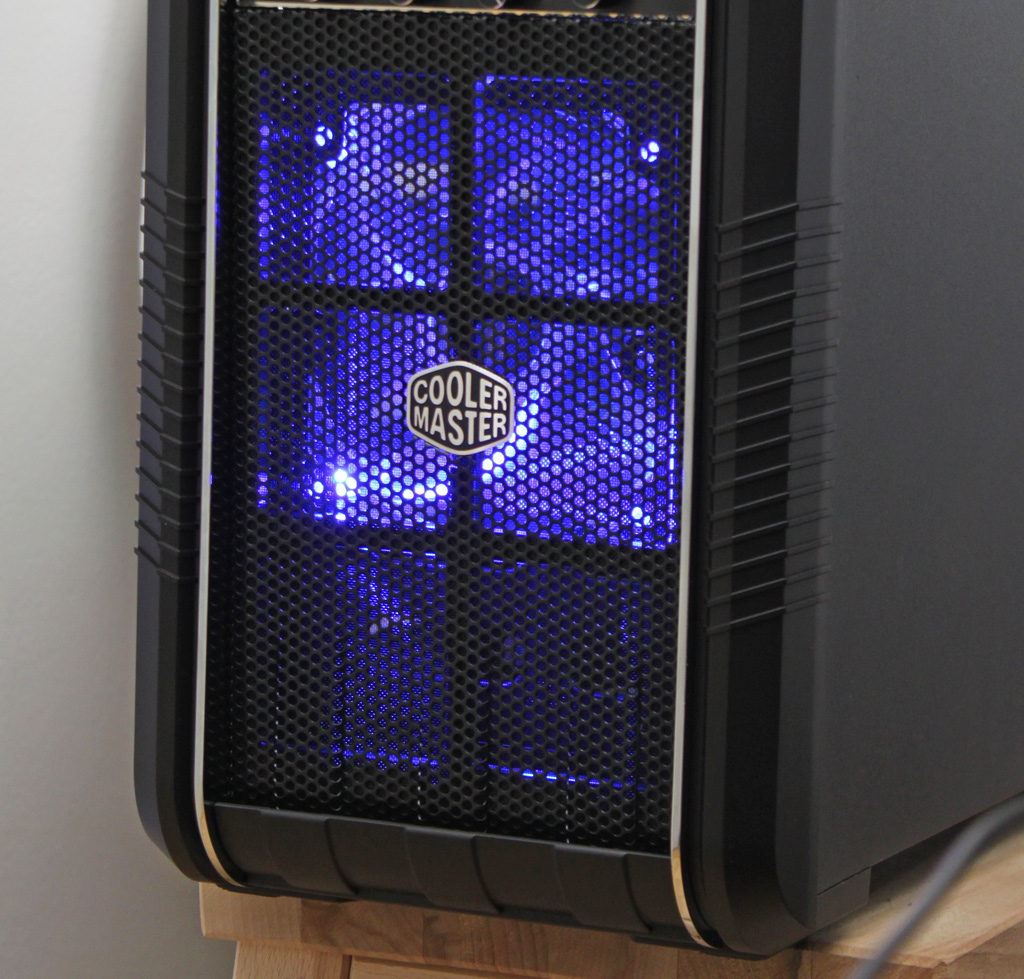
The front fan is almost invisible as it’s hidden behind HDD trays, but if you choose so, you can turn on its LED lamp so the fan will give off a nice blue glow visible through the grill.
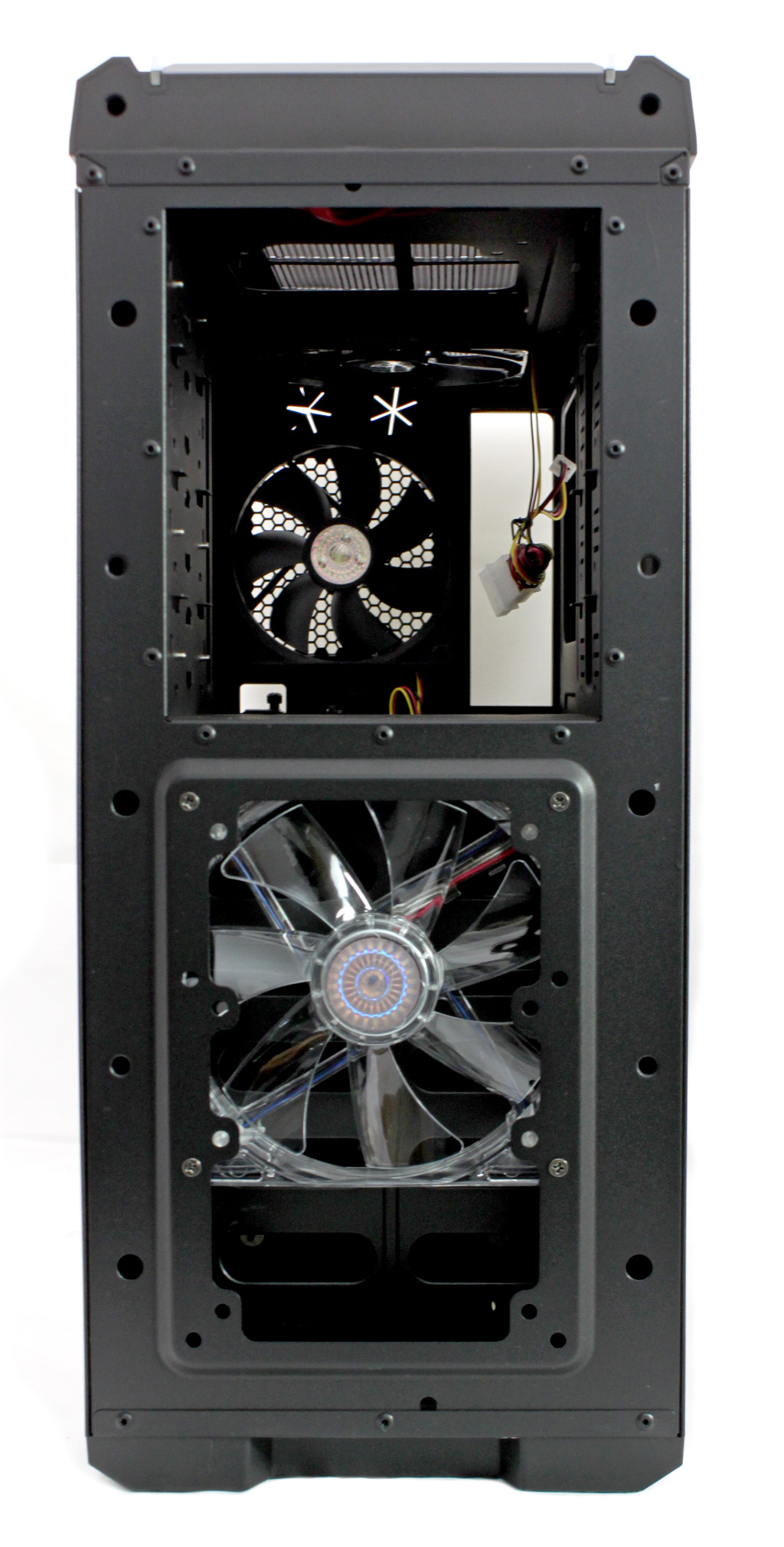
The front panel can be removed in order to mount/change a fan or optical drive, and the procedure is as simple as a slight pull on the bottom of the front panel. We must admit it’s much easier than on the previous version, and you can see the case without the front panel on the picture below.
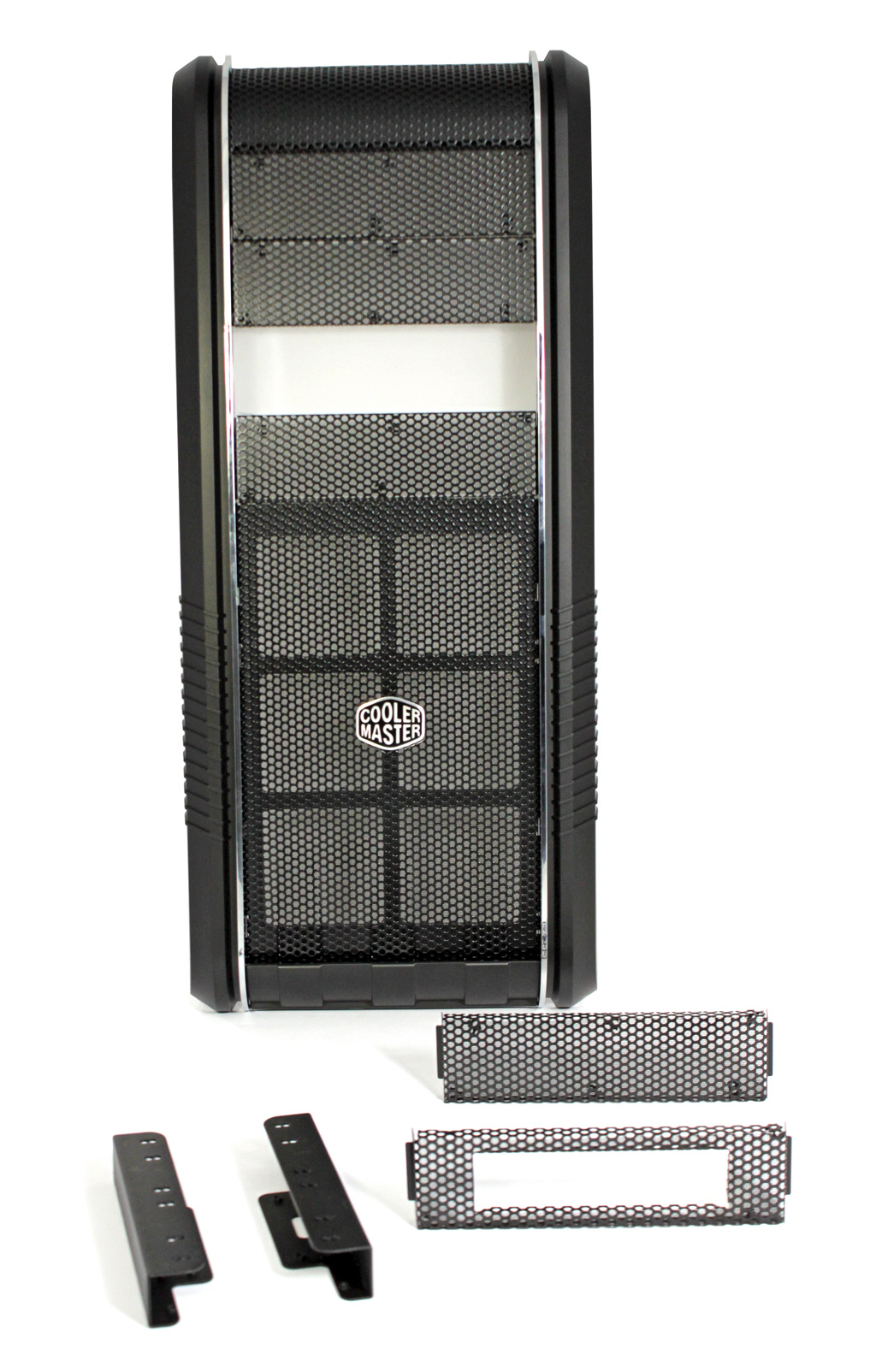
One of the four 5.25’’ bays can be turned into a 3.5’’ bay via a bracket, which will come in handy for those looking to add a floppy disk, card reader or some other smaller device. As you can see on the picture below, CoolerMaster includes a neat 5.25’’ mesh lid with an opening for a 3.5’’ device.
The top part of the case can be removed, in case you want to replace an existing fan or simply add another. In order to do this, you’ll have to remove the sides of the case and use the latches to release the top part.
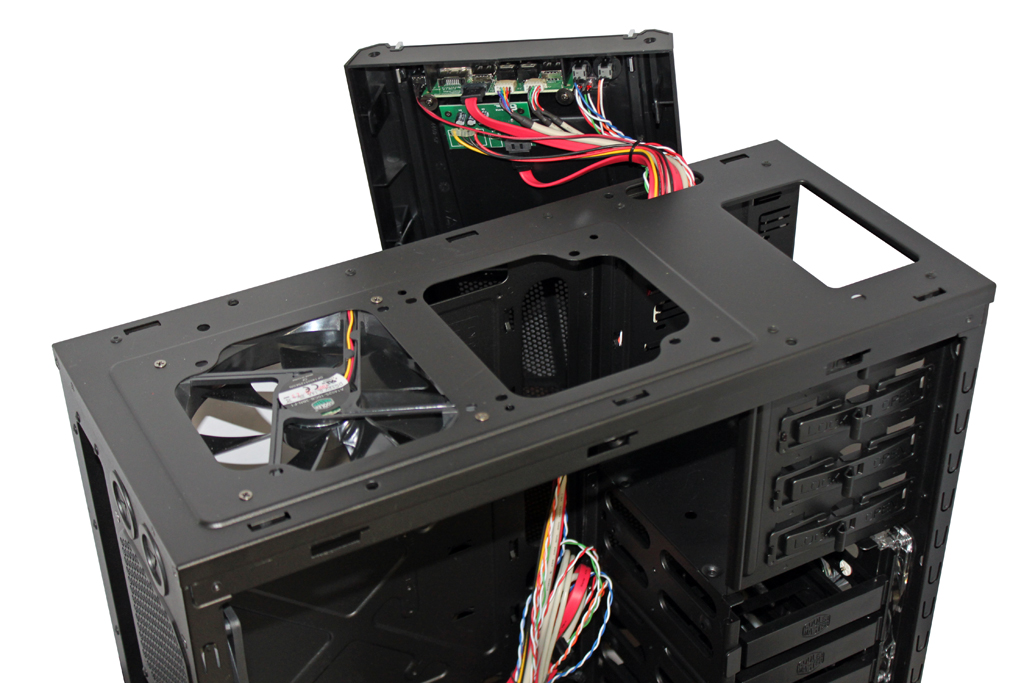
You’ll notice that the docking station uses SATA connectors, which is pretty nice as some cheaper cases come with much slower USB connection.
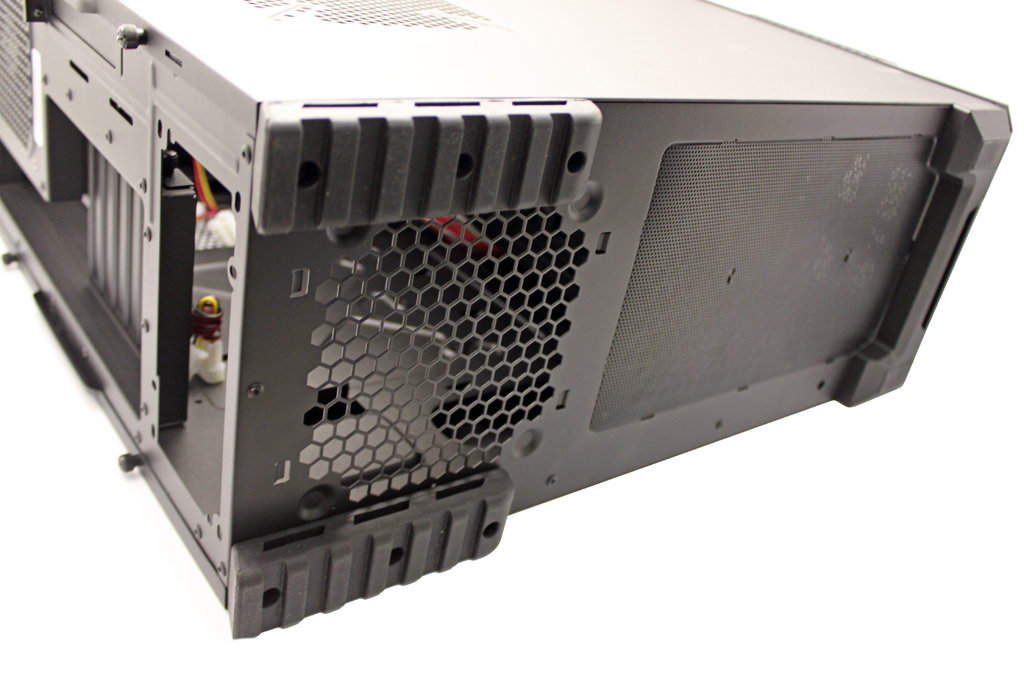
The PSU is mounted on the bottom of the case, and CoolerMaster used rubber feet in order to minimize vibration and thus minimize noise. If you look below the case you’ll notice that it features a large air inlet.