
Index
Page 4 of 7
BIOS:
As always Gigabyte uses an Award BIOS and also they do set up stupid things like serial and parallel ports and floppy by default. Gigabyte promised some time ago they will not hide the overclocking features and they kept their promise. The first item in the menu is all about overclocking. It has a nicer organization compared to MSI because you have not to switch screens. Still the + and - keys are reversed except memory voltage, increasing voltages by pressing - and decreasing them when pressing + which is annoying.
While overclocking the virtual FSB disables the Cool'n'Quiet feature. This has a massive impact on power-consumption which we will show you later. Also the BIOS does not report the actual speeds while overclocking, resulting in showing "1066MHz" while you have reached 1550MHz. This is quite lame.
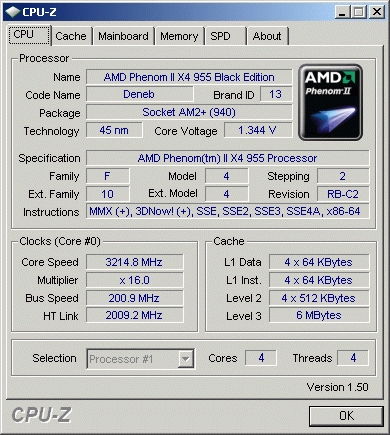
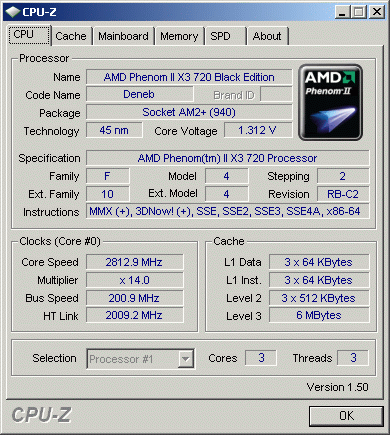
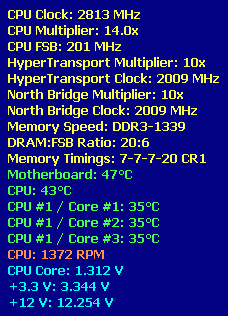
FSB-Overclocking:
The F5C bios did not work out well for us, so we focused on the F3L bios which gave us the same results compared to the MSI board.
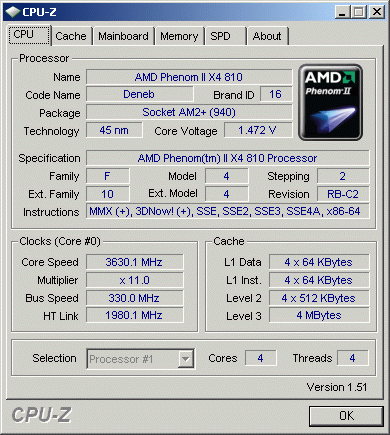
CPU-Overclocking:
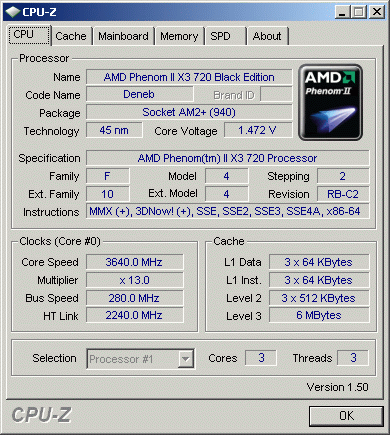
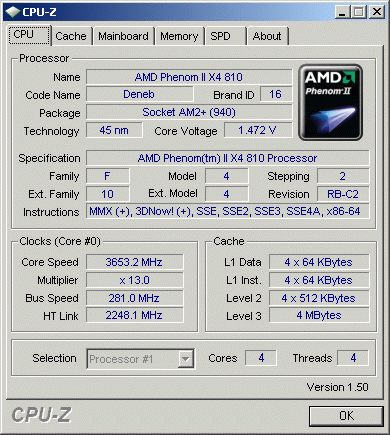
With a Black Edition you don't need to overclock via FSB, just increase the multiplier and there you go. But even if you choose to get a standard edition, you can combine higher FSB to achieve impressive results.
Memory:
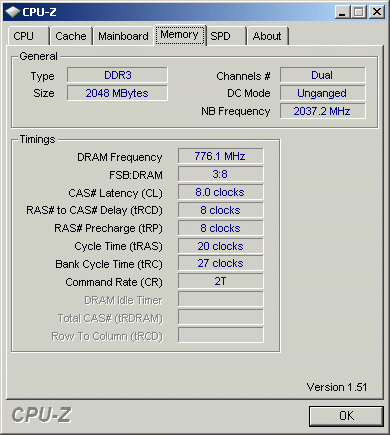
The board auto-detects 1333MHz with our ram modules, but you should set the timings yourself. We tried if we could run the board with 1600MHz memory, but the board always crashed regardless of timings. The printing of "1666+" on the board is more than optimistic. Our modules were stable at the 1550MHz mark.
Temperature:
There are no concerns about temperatures, the board always stayed in safe limits.