Index
BIOS:
MSI is using an AMI 1MB BIOS. We have ranted about some stupid BIOS settings in the past, and guess what, they listend. We were heavily involved in the beta testing and while changes in the past took weeks, they managed to do them in one day. Kudos to the MSI BIOS team.
While overclocking the virtual FSB, any other BIOS, so far we know, disables the Cool'n'Quiet feature. On our request MSI enabled the feature, which now is auto, enabled and disabled. Up to a FSB of ~280MHz, depanding on the CPU, Cool'n'Quiet is now usable. This means, you can save about 20W when idling on the desktop. The new 1.3 BIOS with this feature should be available next week.
FSB-Overclocking:
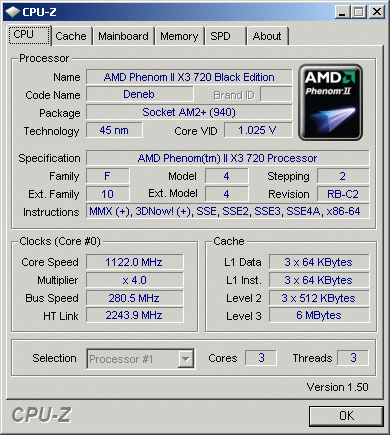
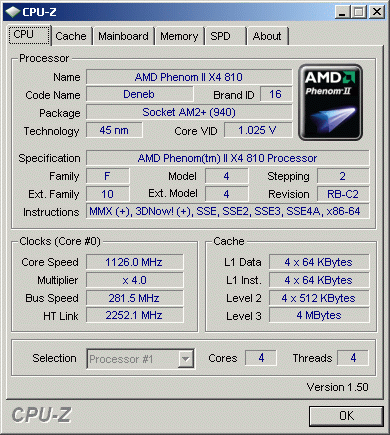
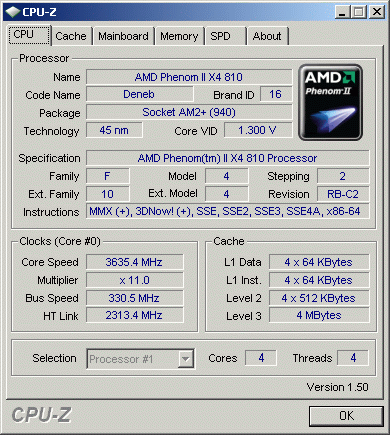
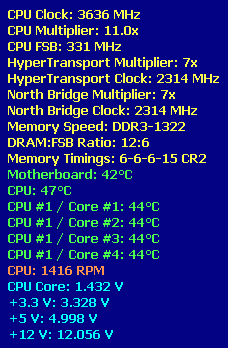
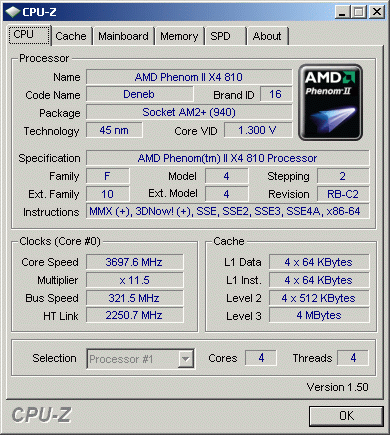
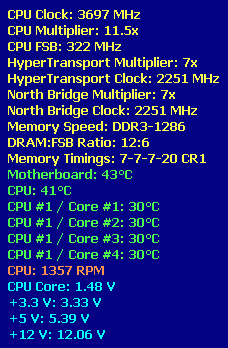
While we had always trouble getting over 270MHz, this board manages going over 300MHz easily. All our tests were done with the 1.3b5 BIOS, which adds 0.5MHz to any clock. The 1.3 BIOS does not have this behaviour.
CPU-Overclocking:
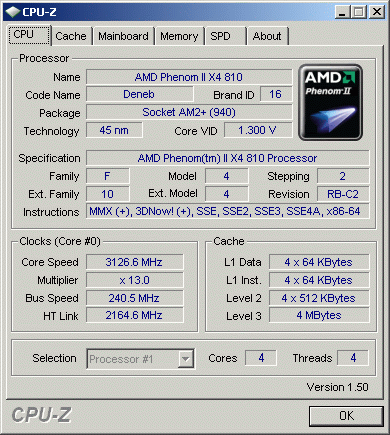
With a Black Edition you don't need to overclock via FSB, just increase the multiplier and there you go. But even if you choose to get a standard edition, you can combine higher FSB to achieve impressive results.
Memory:
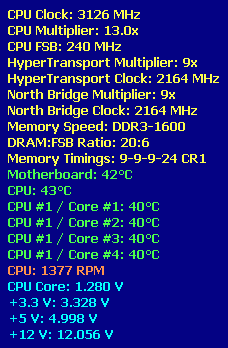
The board auto-detects 1333MHz with our ram modules, but you should set the timings yourself. We tried if we could run the board with 1600MHz memory, which was possible with our two modules. Due the bug in the AMD DDR3 memory controller, four modules may not be stable even at 1333MHz.
Temperature:
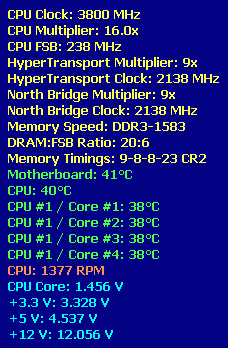
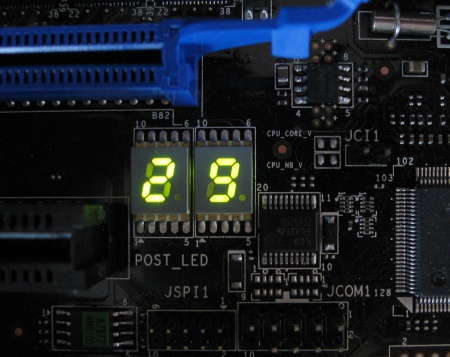
While testing the BIOS we saw the LED is doing nothing after booting into the OS. So we thought it's a good idea to request a new feature, which should show the CPU temperature on the LED. MSI was really fast, because within three days we received the 1.3b5 BIOS with has this nice feature, which will also be available for any customers with the official 1.3 BIOS release. Temperature was never an issue, beside the overclocked Phenom II 955 BE which spiked at 65°C with CPU-intensive tests. All other CPUs run always below 60°C overclocked and about 45°C not overclocked under full load.
Phenom II 955 Black-Edition overclocking:
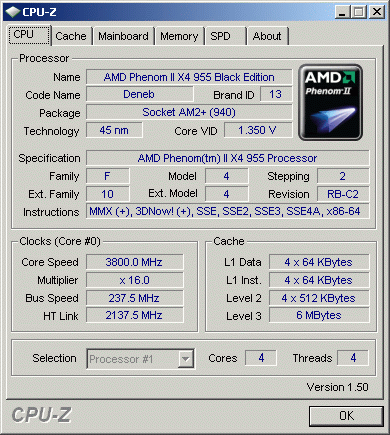
While AMD claims you can go to, or over, 4GHz, we reached the same result as with the "old" Phenom II 940, 3.80GHz was the best we could do, without jeopardizing our CPU. Generally we recommend not to go over 1.475V on air-cooling, besides higher voltages do not show much effect anyways.