Index
Page 4 of 6
BIOS:
Gigabyte is using a plain AWARD 1MB BIOS. We are not sure if the VCore detection is correct with the new E8400 CPU, but you can under-voltage it. For some reason Gigabyte is hiding some BIOS settings, which you can unlock with CTRL-F1. Default settings are quite strange. with COM1 and LPT enabled, even if Gigabyte does not provide the proper slot-brackets. Also to have "overvoltage" and "deovervoltage" settings is quite stupid. Does this mean I can overvoltage +0.30V and deovervoltage -0.05V to get +0.25V, or does it mean one is overriding the other? This is only confusing the user, one setting with much finer settings would have been the wiser choice.
FSB-Overclocking:
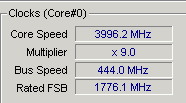
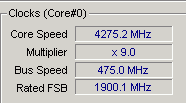
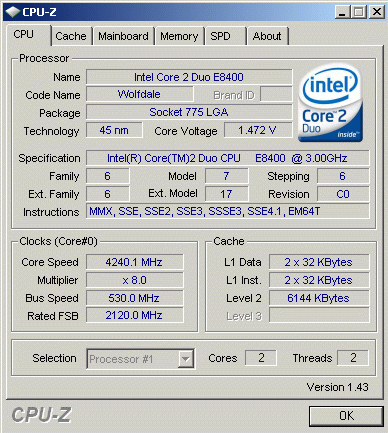
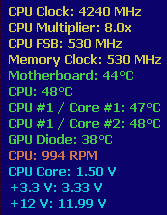
The EP35C-DS3R did very well. It reached 530MHz, which is quite an achivement.
CPU-overclocking:
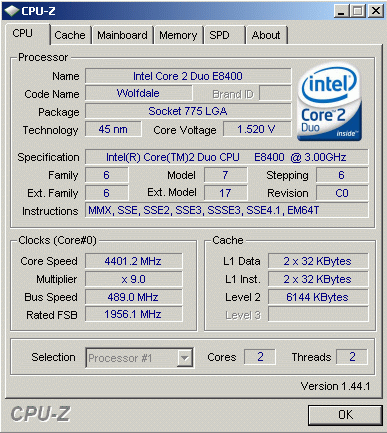
It was not difficult to reach 4.40GHz. We set the VCore to 1.6000V but as you can see, the VCore dropped to 1.5360V. We know the sensors are not very exact, but the VRM fails to keep the current stable within 0.0500V, which is specified by Intel. The BIOS does not provide a "loadline calibration," so you can't manually set the VRM to act more stable.

Memory-overclocking:
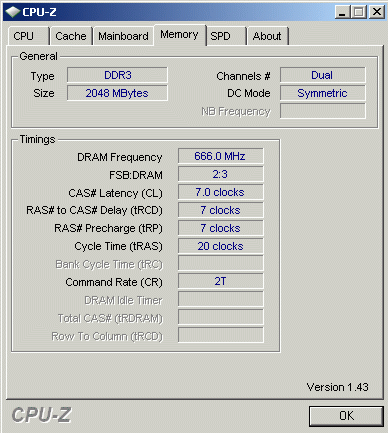
Gigabyte hasn't got the best reputation when it comes to memory overclocking. It is also expected that combo boards can't do much memory overclocking. With DDR2 we hit the wall at about 1150MHz. You may boot with 1200MHz, but even lowering the timings it was not possible to run the board stable. We don't care that much, because higher memory frequencies doesn't mean speed improvements at all. With DDR3 we could easily achieve 1333MHz, 1600MHz was not possible. You can expect stable operation up to 1450MHz.
FSB BIOS clocking:
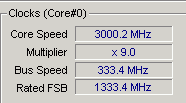
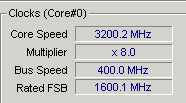
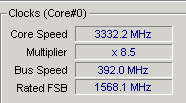
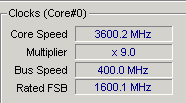
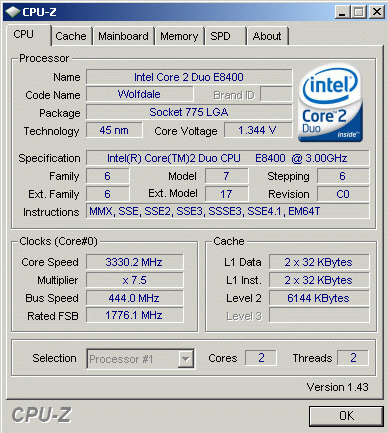
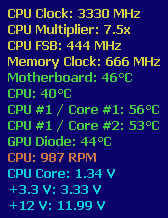
We have to state that we always recalculate the bench results to nominal frequencies. Most vendors do an overclock to their products, maybe to get more bench points, but we nullify such attempts. The Gigabyte is quite close to the nominal speeds: