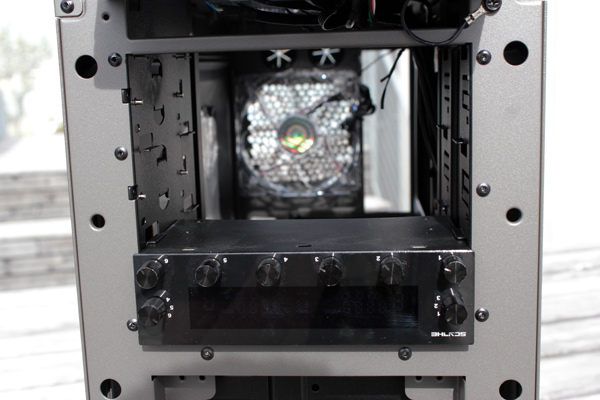
Index
Most of the front panel is meshed, which is common for modern cases. The company went for a design that relies on wide frames, angled lines and curved edges that gave the Scout 2 some character.
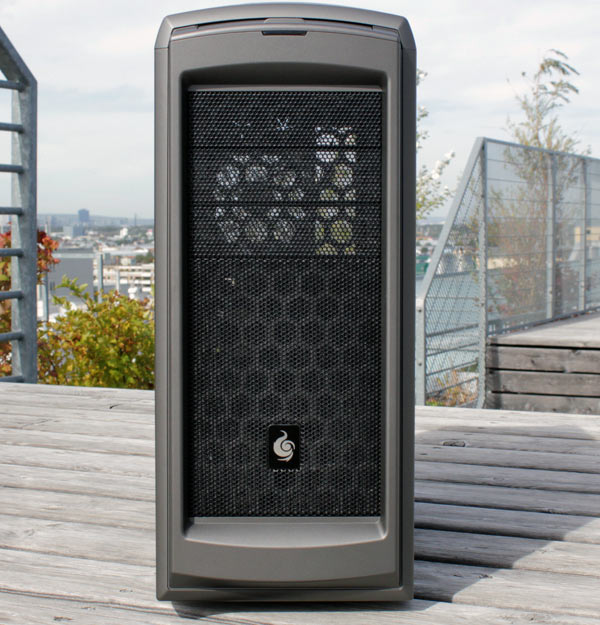
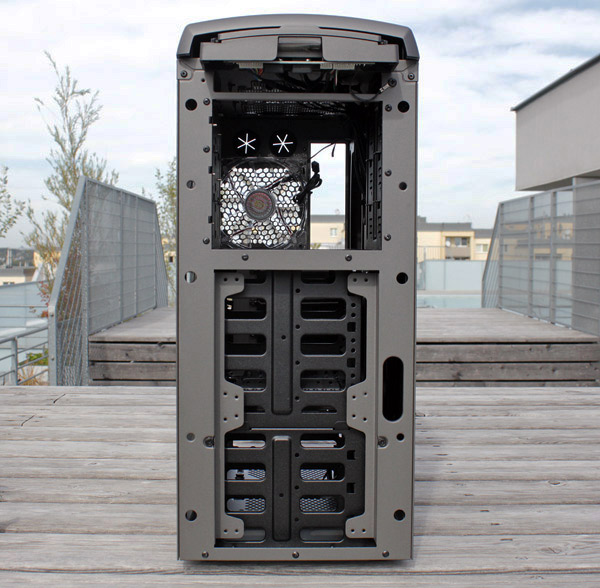
The case has three 5.25’’ bays on the front and room for two 120mm/one 140mm fan. The plastic has somewhat of a matte finish so dust and prints will not be a big problem.
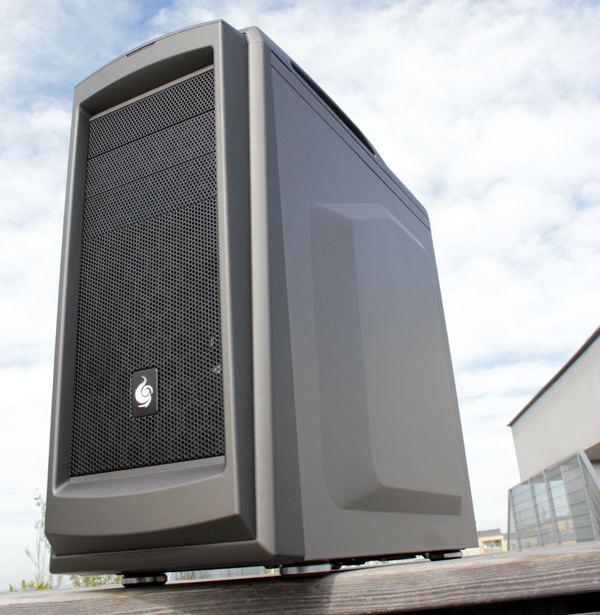
The front panel has another mesh in the back serving as dust protection. It’s much finer so you won’t see it until you really take a closer look.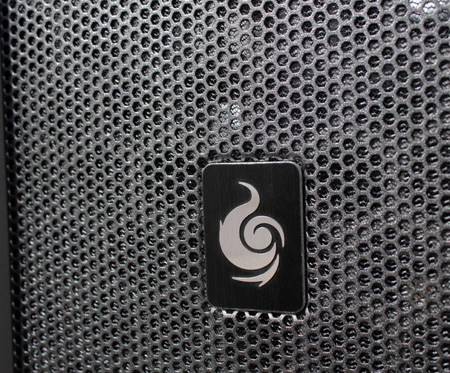
5.25’’ bay covers must be taken out from the inside of the front panel, so any changes will require removing front panel it.
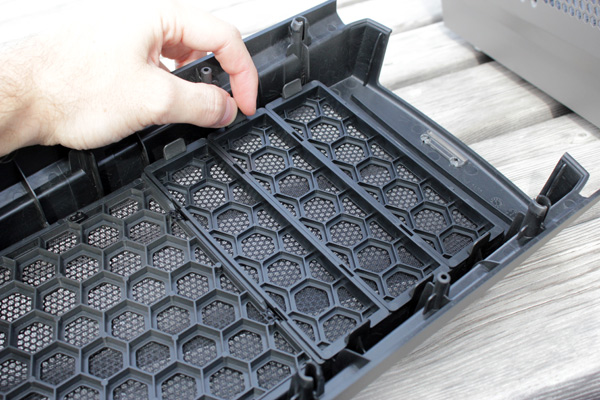
Taking off the front panel is easy and only takes the usual tug on the bottom. However, the Scout 2 is only 1cm off the ground and we had to lift it before doing so. The picture below shows the bottom part of the front panel much better.
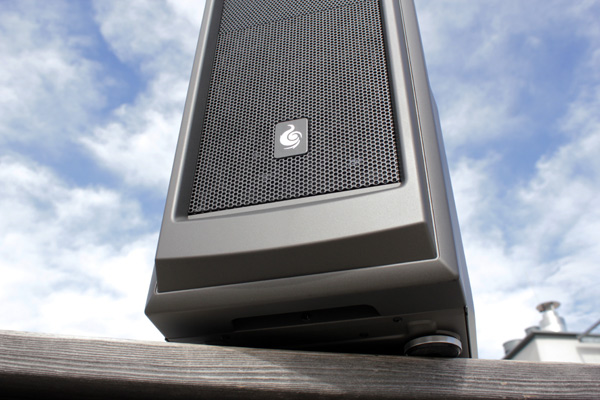
The front panels has a CM Storm logo as well as another detail – a red LED. It’s very faint though so it didn’t bother us, not even in the dark. However, it’s not connected to the built in LED toggle switch so it cannot be turned off – unlike the one in the rear panel fan.
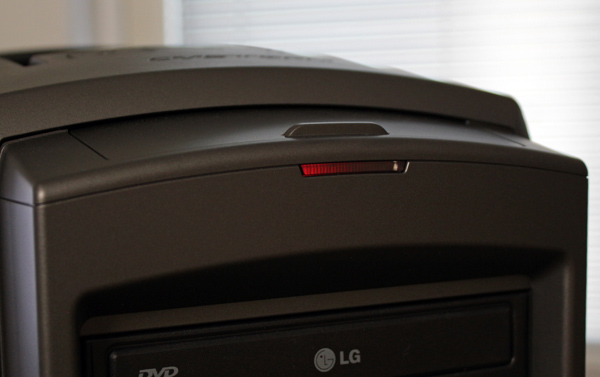
A nice layout, although it would perhaps be practical if the LED shined towards the I/O panel – it would make finding your way around in the dark much easier.
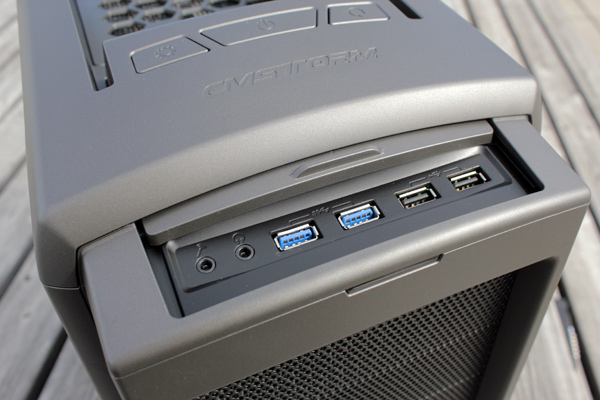
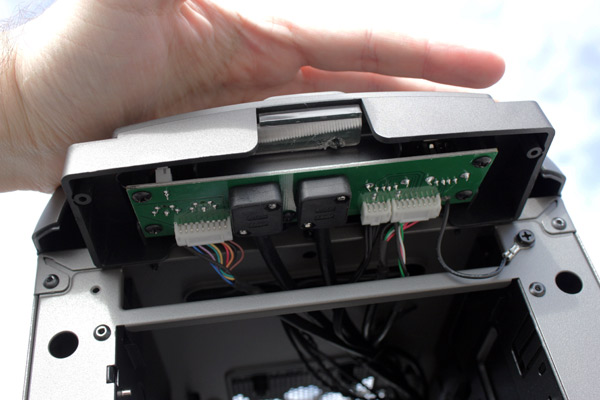
The Scout 2 supports all the latest and greatest standards – two USB 3.0 connectors, two USB 2.0 connectors, audio out and mic in. The sliding lid helps protect the connectors from dust.
The I/O panel and its connectors look well made. We’ve seen cases that come with sloppily implemented panels and melted plastic but CM Storm’s Scout 2 is as clean as a whistle.
The front panel will take two 120mm or a single 140mm fan. A 14cm fan can be mounted in the front panel in two positions – top or bottom, so users can choose where it suits them best.
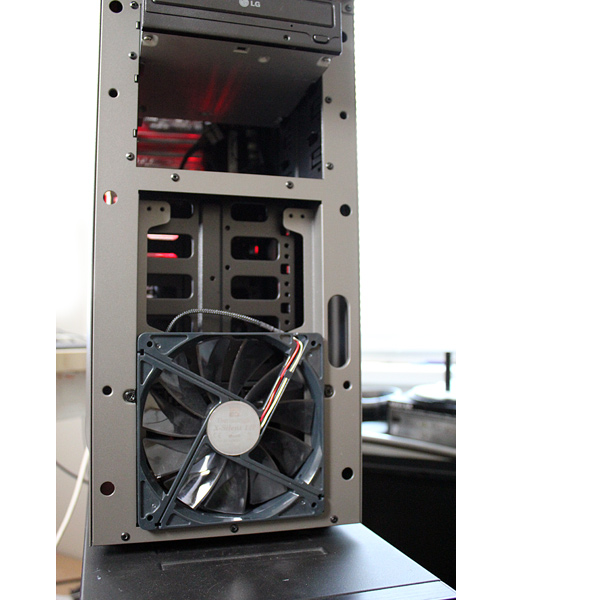
CM Storm used toolless mechanisms for 5.25’’ devices. The locking mechanism is simple yet effective as it locks drives using pins instead of screws.