Index
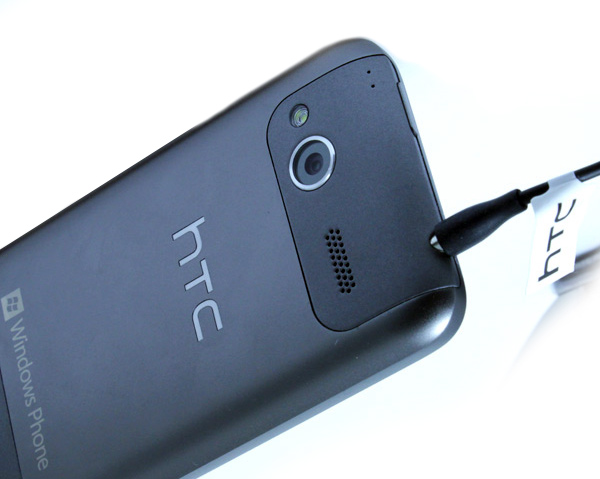
HTC Radar has two cameras – a nicer one for photos and a VGA one for video calls. The one on the back has an F/2.2 lens and 5 megapixel resolution with backside-illuminated sensor for better photos in poor lighting conditions. The camera is an average one and will do well during daytime, but not at night (unless you have a static scene and a stable hand). Naturally, that’s where the strong flash comes in.
The camera on/off key is always active, even when the phone is locked. The Radar has a few additional options, such as panorama and burst photos (up to 5 in a row).

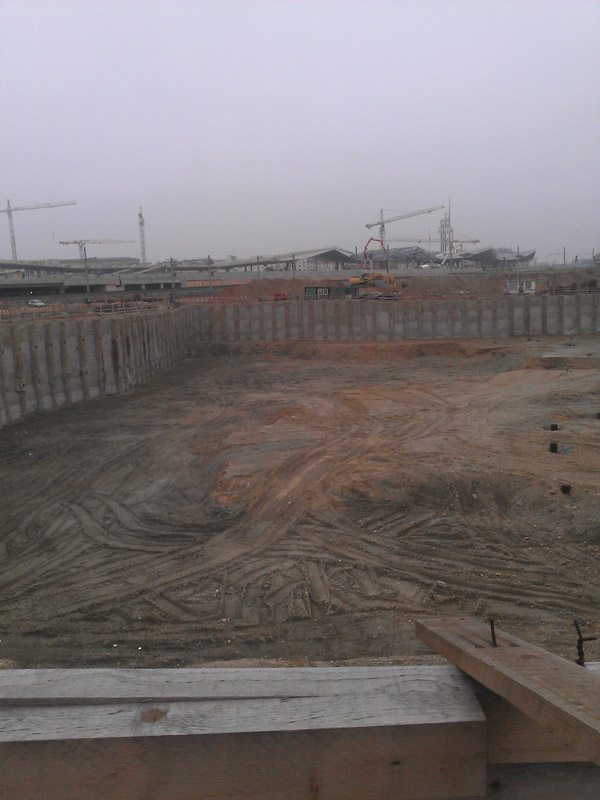
The colors seem a bit washed out and the autofocus needs uqite some time. Contrast could be better as well.





So are the speakers loud and sound good? Well, the speaker is loud enough to hear a movie when holding a phone on a knee or table. The speaker can be utilized well in a car but, naturally, it can’t beat headphones.
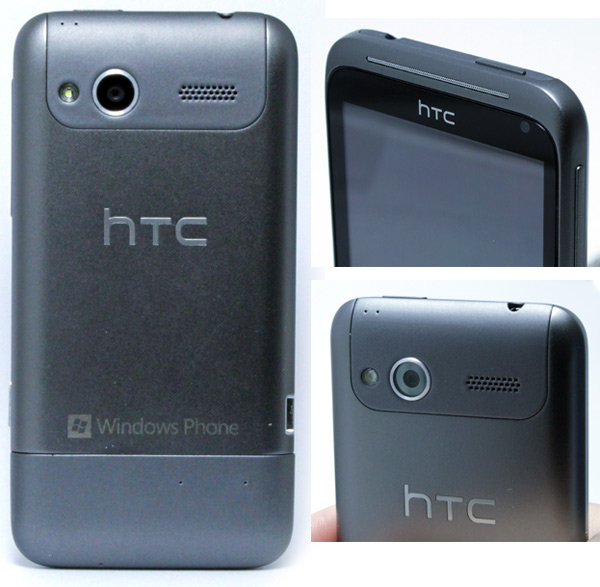
The 3.5inch headphones jack can be found on top of the phone.
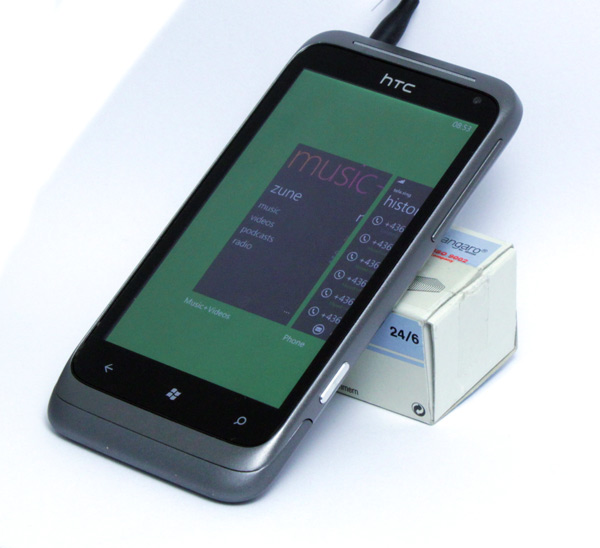
Hands free headsets can be used thanks to A2DP support via Bluetooth 2.1. Volume control is on the right and is easily accessible. Naturally, you can control volume via headphone controls as well.
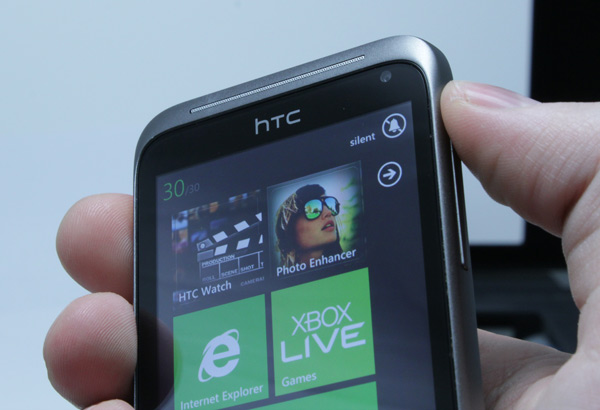
Turning volume up or down shows a small bell icon top right. Pressing this icon can put the phone into silent mode.
You can mute incoming calls in three ways – via sound control keys, pressing the off button or simply quickly turning the phone face down.
Sound Enhancer
Although the speakers provide a decent enough sound, headphones are always a better option. You can improve the listening experience with the Sound Enhancer, which only runs when external headphones or speakers are plugged in. The Radar also offers HTC 5.1 surround for HD video.
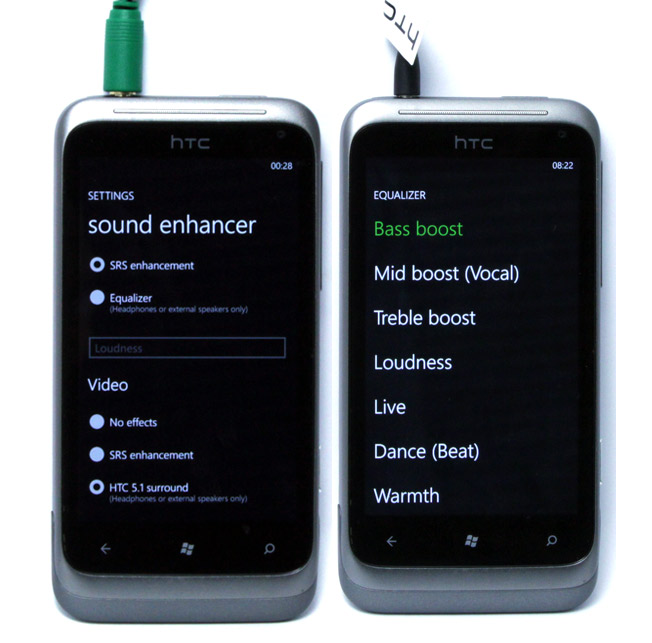
The equalizer offers predefined settings - bass, mid boost (vocal), treble boost, loudness, live, dance (beat), warmth i sweetener (air).
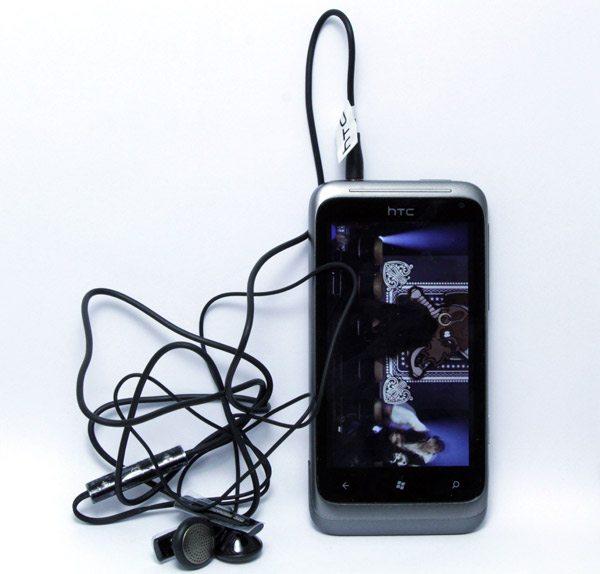
HTC ships decent enough headphones with the Radar, and user’s will probably find them to be fine. However, if you’re an audiophile and want super quality sound, then you’d better find another pair. The shipped headphones have a 120cm long cable with volume and call control.