Index
Before we take a look inside the Colossus, we have to say a few words about the unusual side panels on this case. Namely, both side panels are made of metal and are very heavy and tough. BitFenix wanted to make sure that the panels will take heavy blows without damaging the large LED panel, which can be seen on the picture below. 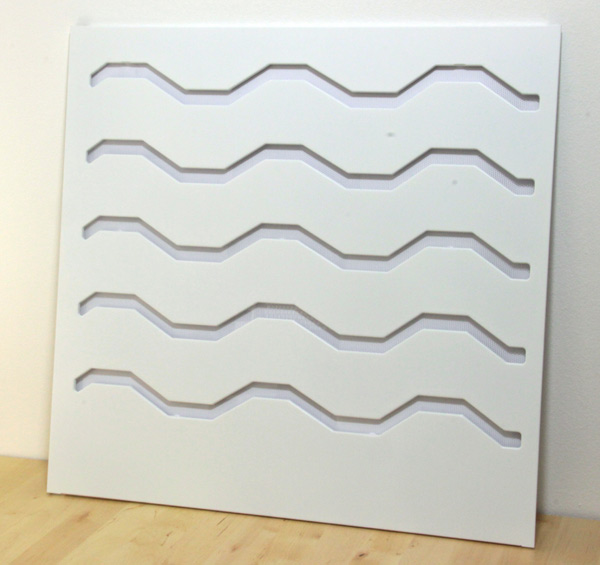
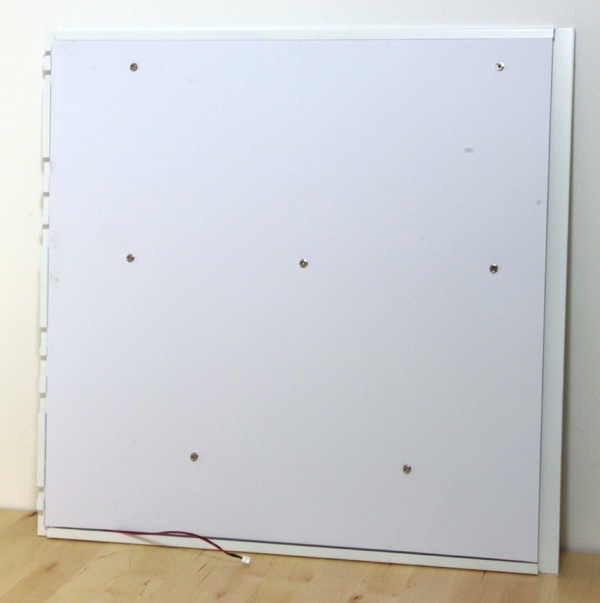
The LED panel is covered with thick plastic, also for protection. 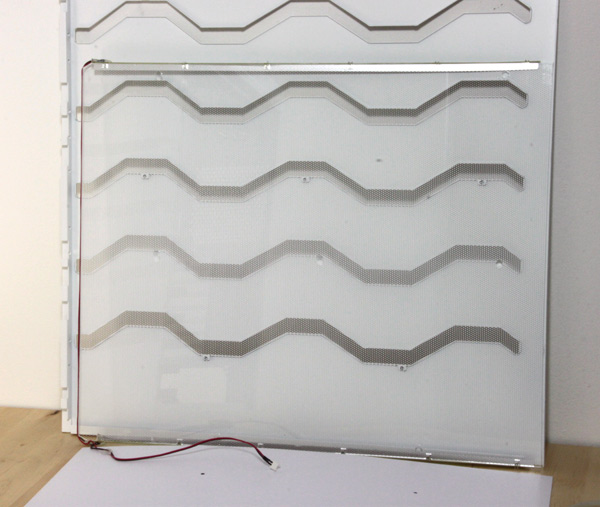
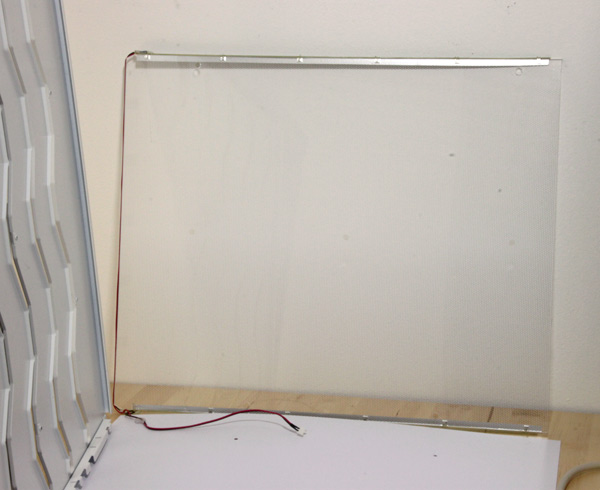
The LED panel requires power via the 2-pin cable. As we already said, the panel can glow red or blue. 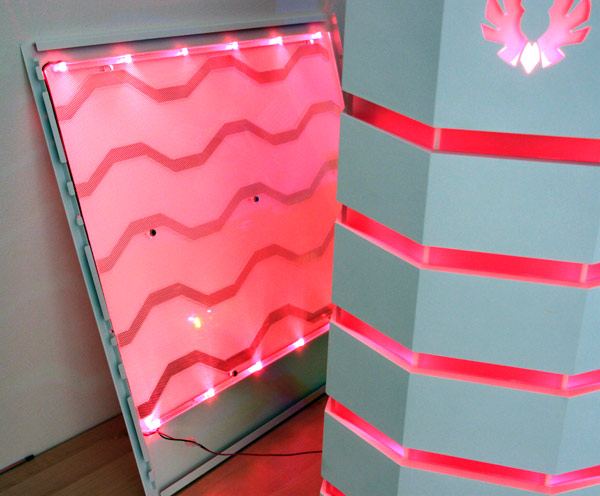
The space inside the Colossus is divided in three parts, i.e. space for motherboard and PSU, space for storage and optical device chamber. 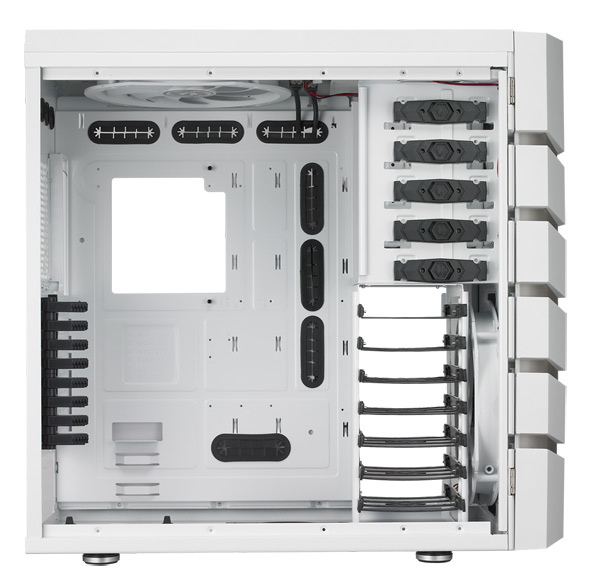
Thanks to the bundled adapter, you can use 5.25 inch bays to house a 3.5’’ or 2.5’’ drives. 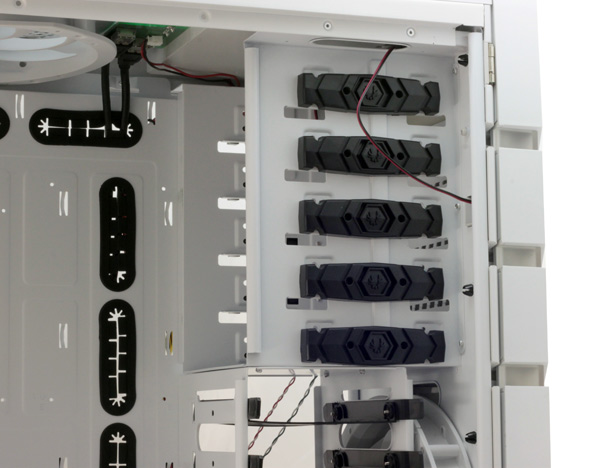
All the 5.25 slots come with tool-free locking mechanisms, securing the drive from both sides. 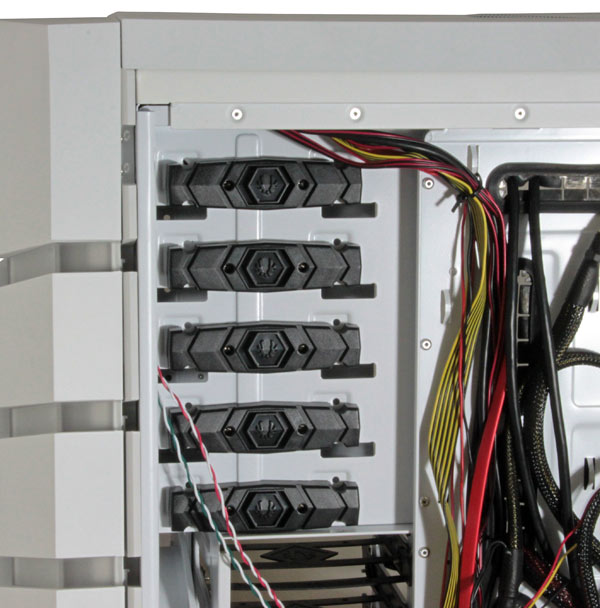
The HDD tray can take up to seven 3.5’’ or 2.5’’ drives.
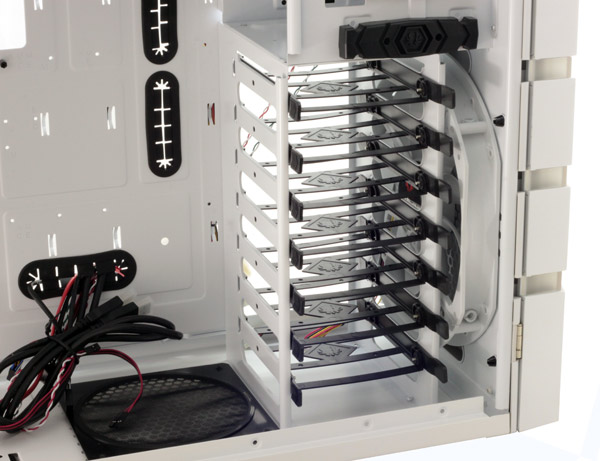
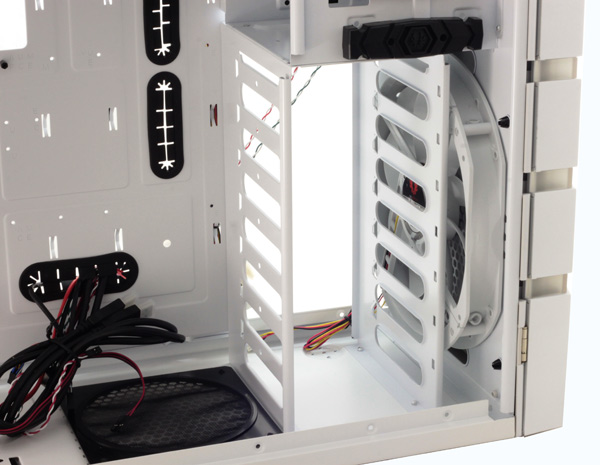
Two large 230mm fans take care of cooling and airflow. BitFenix arranged a push-pull combination where the front panel fan draws air and the top panel one pushes it out of the case. We must admit that the white color of the fans is a pretty nice touch. 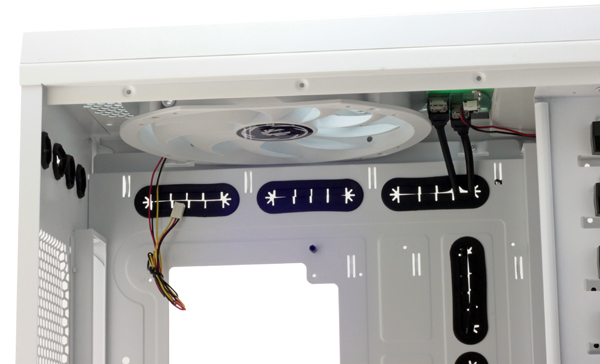
The Colossus will take up to four fans but you can use up to 6 is you replace the 230mm with two smaller ones.
Colossus is a high-tower case and packs room for 8 expansion cards. The locking mechanism requires no tools to operate and will keep any card firmly in place. 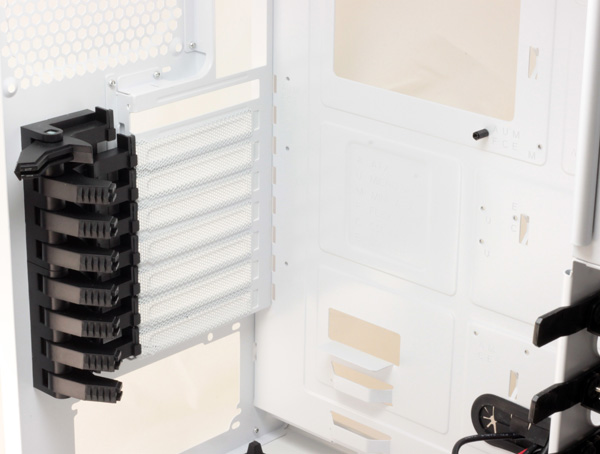
The PSU is on the bottom of the case where it is seated on rubber feet for preventing vibration noise. The air outlet below the PSU has a dust filter, which can be removed without having to open the case – a simple tug from the back of the case will suffice. 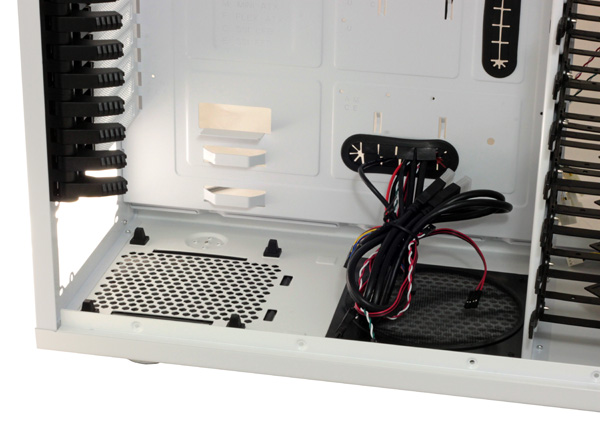
The bottom of the case features an additional air outlet with a dust filter. If you chose to do so, you can use another 12/14cm fan here. The case is about one centimeter from the floor. 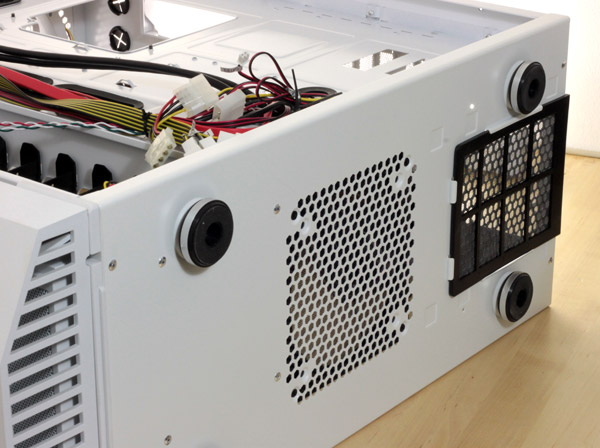
BitFenix left plenty of holes on the motherboard tray, in order to make cable management easier. Furthermore, the company left notches for tying cables, something that many other high quality cases can’t brag with.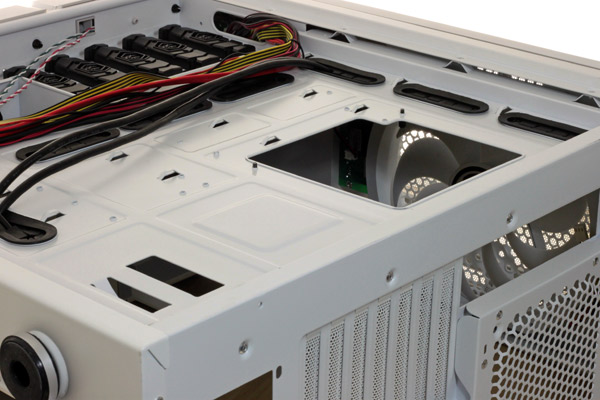
The Colossus’ fan controller has six connectors, which means that it will cover any possible fan configuration.
As you can see, there is enough room between the side panel and motherboard tray to keep all the cables that clutter the inside of the case.