Featured Articles

Microsoft officially announces the Xbox One

Microsoft officially announces the Xbox One

As announced earlier, Microsoft has now finally unveiled its next-generation console, the Xbox One. Although it did not shed much light…

More...
AMD poaches more Nvidia talent

AMD poaches more Nvidia talent

AMD has apparently managed to grab yet another high-ranking Nvidian, but this time it was no engineer or developer.

More...
Qualcomm and Samsung overtake AMD

Qualcomm and Samsung overtake AMD

It’s no secret that the mobile boom is taking a toll on makers of PC components and AMD is one of…

More...
Nvidia Geforce GTX 780 detailed

Nvidia Geforce GTX 780 detailed

We managed to confirm the full spec of the upcoming Nvidia Geforce GTX 780 graphics card as well as some performance…

More...
HIS iCooler Turbo HD 7790 reviewed

HIS iCooler Turbo HD 7790 reviewed

Today we’ll take a closer look at a factory overclocked HD 7790, courtesy of HIS. The HIS HD 7790 iCooler Turbo…

More...
Frontpage Slideshow | Copyright © 2006-2010 orks, a business unit of Nuevvo Webware Ltd.
Friday, 30 April 2010 12:42

Corsair H50 v.s. CoolIT ECO A.L.C. - 4. Mounting

Written by Sanjin Rados

ImageImage

Review: Something old, something new


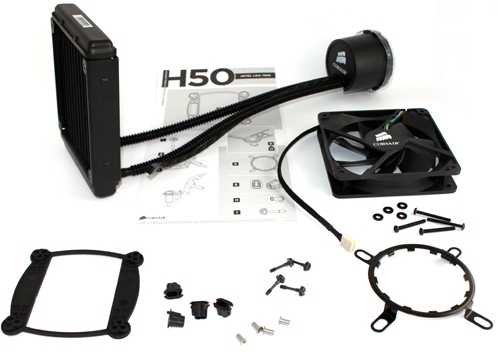
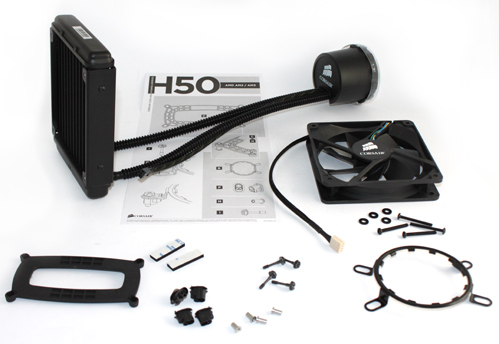
Mounting Corsair’s H50 is in no way complicated but it does require setting up a backplate. The aforementioned Asetek cooling used push-pin retention clips for mounting on socket 775 and didn’t require a backplate, but Corsair’s way is safer. The mechanism we have today allows for simple mounting on Intel and AMD processors. The first picture below shows Intel LGA 1366/1156/775 mounting mechanism parts followed by AMD LGA AM2/AM3 parts.
Image

Image
 
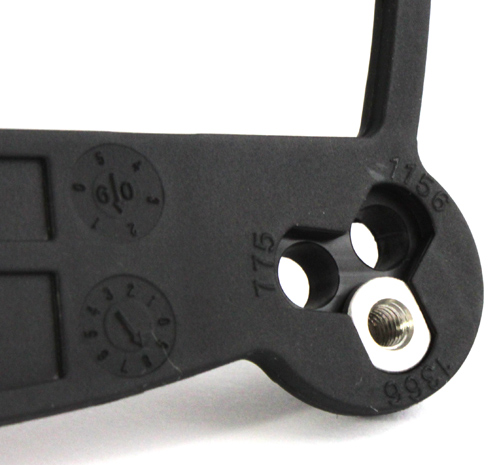
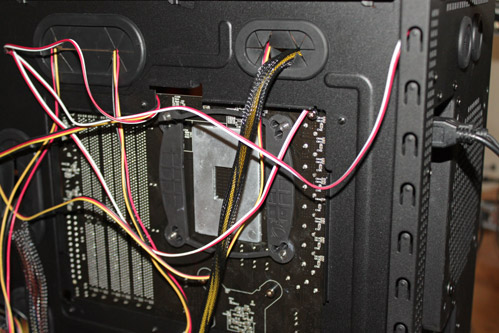
Each of the listed Intel sockets requires a different backplate, but that’s not a problem for Corsair’s universal backplate (on the picture below). By placing screws in the appropriate holes, you’ll prepare the backplate for your Intel/AMD socket.
Image

Image
 
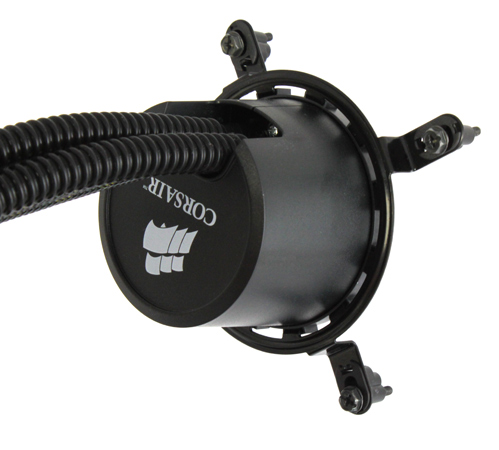
After placing the backplate, radiator and pump mounting is a breeze.
Image

Image
 
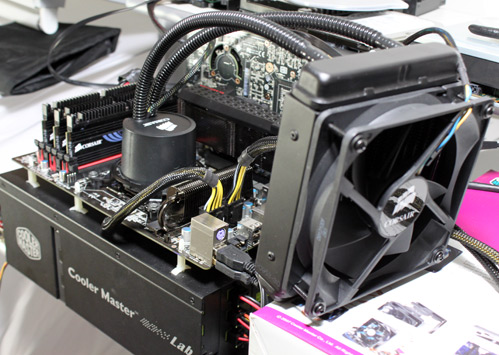
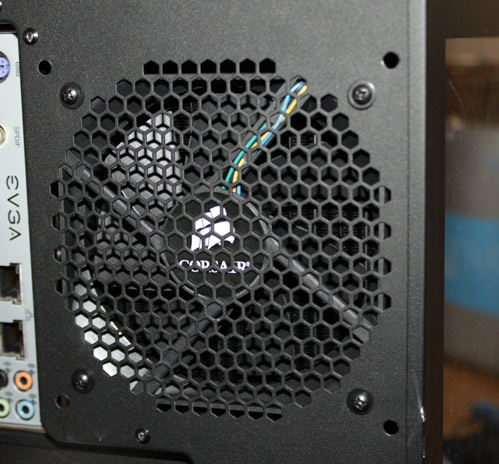
The radiator is placed on the rear panel, where 12cm fans usually go.
Image

Image
 
Corsair advises users to aim the fan to blow inside the case, but we’ll know soon enough whether it improves performance. The picture below shows the fan mounted the other way around, i.e. pushing air out of the case.
Image


(Page 4 of 6)
Last modified on Thursday, 06 May 2010 12:51
blog comments powered by Disqus

To be able to post comments please log-in with Disqus


Facebook activity

Latest Commented Articles

Recent Comments