Index
Page 3 of 6
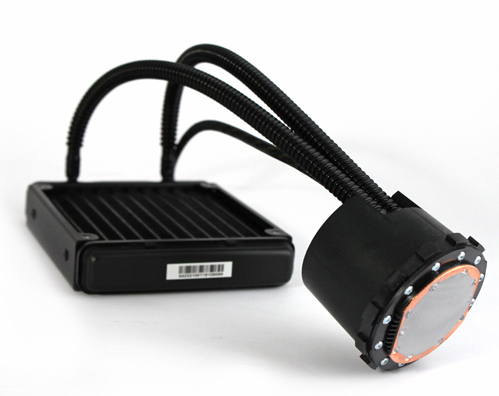
Hydro Series H50 is a water cooling system and should perform better than traditional air cooling systems. As you can see from the picture, two pipes, a pump and a radiator are all you need to cool your CPU. Since everything was preassembled, you’re left with only one task which is to install the H50 in your rig. So, all you need to do is to mount the radiator (with the fan) on the rear panel of your case and strap the pump on your CPU and you’re good to go.
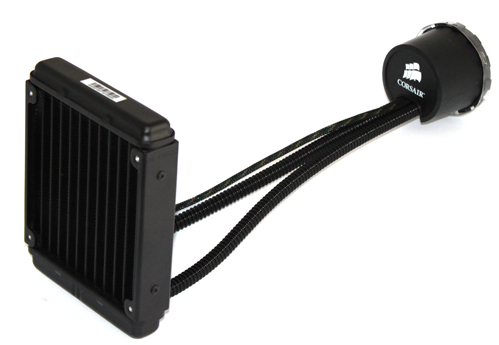
Curiously enough, the pump carries Asetek LCLC branding. You might remember Asetek’s Low Cost Liquid Cooling system which we reviewed and awarded, but the system unfortunately never made it past OEMs. Thanks to Corsair this simple but quality cooling solution reached the shelves and you can finally purchase it separately, rather than purchasing an entire rig to get your hands on it (we’re not kidding, we actually did that).
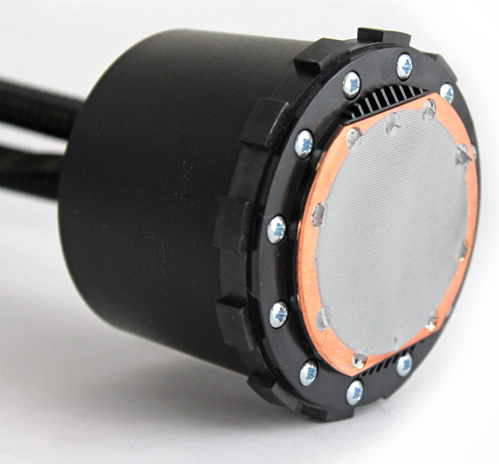
The large copper base, which is the bottom of the pump, already has thermal paste applied on it. Just like with CoolIT’s ECO A.L.C., you’ll find no extra thermal paste in the box.
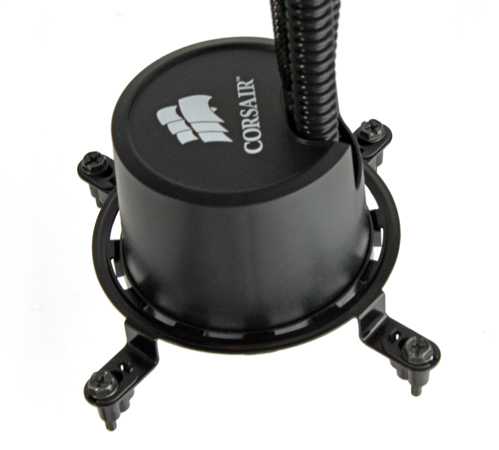
Two “Low-permeability for near-zero evaporation” pipes and the power cable come out of the pump. The cable should be connected to a free 3-pin fan connector on the motherboard whereas the fan cable goes into the 4-pin CPU fan connector. The pipes are long enough to reach the rear panel on the case and they’re more flexible than those on CoolIT’s ECO A.L.C.
The radiator measures 20 x 152 x 27mm (WxHxD) and will take two 120mm fans, although it comes with only one.
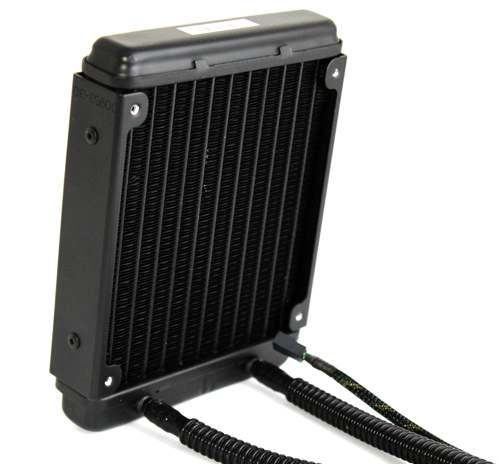
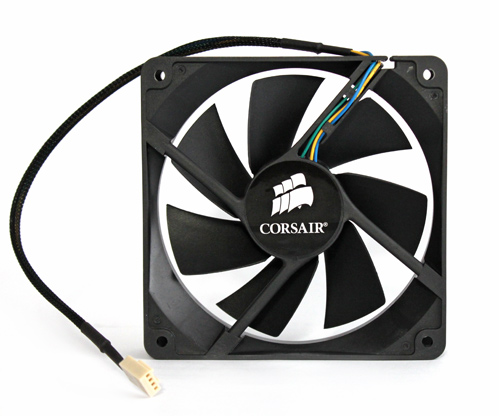
The fan is capable of about 50CFM max airflow and is intended to blow through the radiator into the case, which should improve cooling. Still, most cases are set up so that the rear panel fan blows air outside the case, so the H50’s fan might hinder airflow inside the case.