
Index
Page 3 of 5
The notebook:
With a maximum thickness of 19.8mm this notebook is extremely small and only a fraction thicker compared to the Apple MacBook Air, but it does not feature an aluminium case. While the top looks nice, opening up the lid reveals a quite cheap looking plastic material. The first drawback you encounter is the shiny surface on top of the chassis, which will be covered with fingerprints within minutes. That makes a good tool for CSI people, in case they need the fingerprints to take you down for some criminal activities. At least the lid can be openend one-handed and has a good resistance to keep the position.
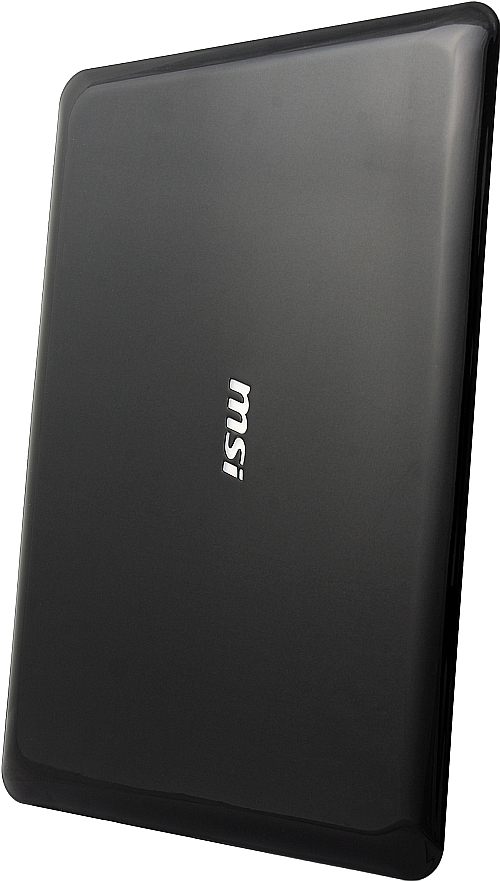
Cliick here for a high-res picture.
Because the notebook is so small, connectivity is rather limited. On the right side you'll find a power connector, microphone in, audio out and only two USB ports.
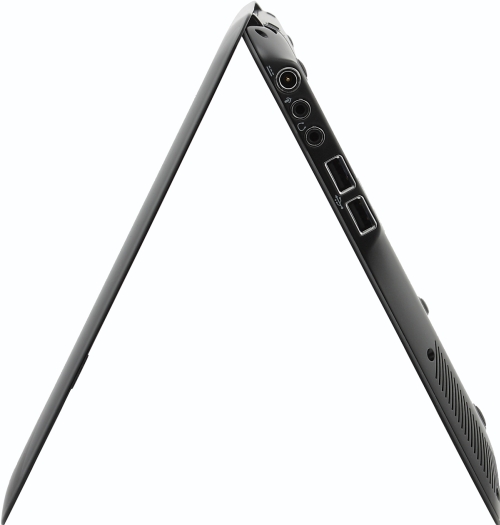
Cliick here for a high-res picture.
On the left side you get VGA, LAN and HDMI. Due to the position of the ports, connecting a LAN-cable and using a HDMI to DVI dongle is impossible. And MSI is not kind enough to pack an HDMI to DVI cable into the box. The smarter choice would have been HDMI, VGA and LAN, because the VGA connector is mostly useless, we will explain that later.
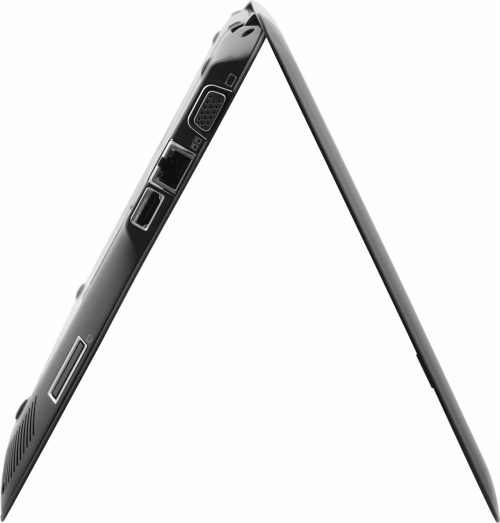
Cliick here for a high-res picture.
The keyboard is nearly full-size and typing on it feels ok. It's slightly bent which improves ergonomics.
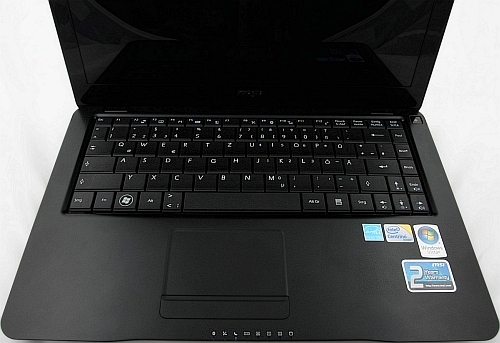
Cliick here for a high-res picture.
The battery pack is a disappointment because it holds only 2150mAh. That is way under the standard 4000-4400mAh conventional notebooks have.
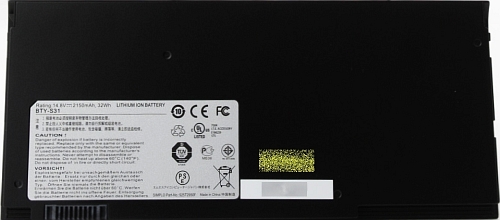
Cliick here for a high-res picture.
Inside the pack you will find a so called notebook mouse, which is ok but in real life only for Lilliputians or kids.
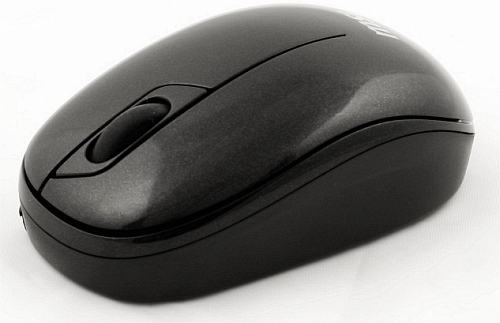
Cliick here for a high-res picture.