
Index
Keyboard and Touchpad
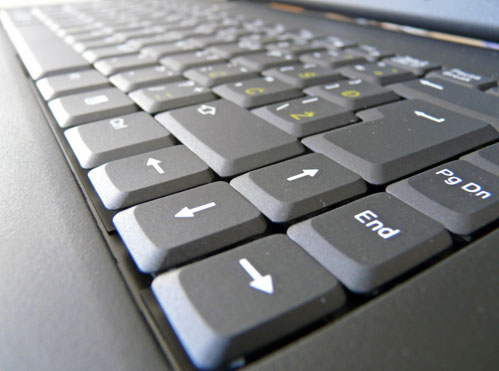
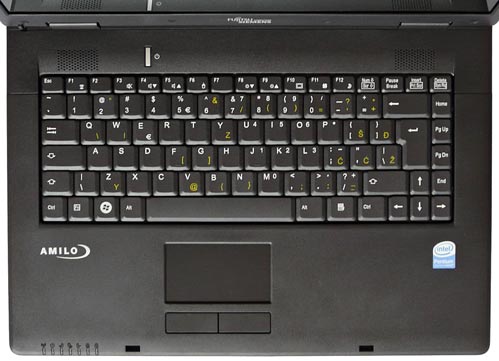
Moving on to the really important aspects of the unwilling test subject, Amilo's input devices, or should we say, the charcoal keyboard and touchpad.
The keyboard layout is good; furthermore it just feels right under your fingers and this is far more important. You can easily get used to a clumsy layout, but never to poor quality. It might have been just a tad less soft, but this is no big deal. The enter key is quite large, and so are the Shift and Control keys. This leaves us with very little to whine about and we hate when that happens. Ah, the cursor keys could have been a bit bigger. They're narrow, placed closely together and that's about it. Everything else is spot on.
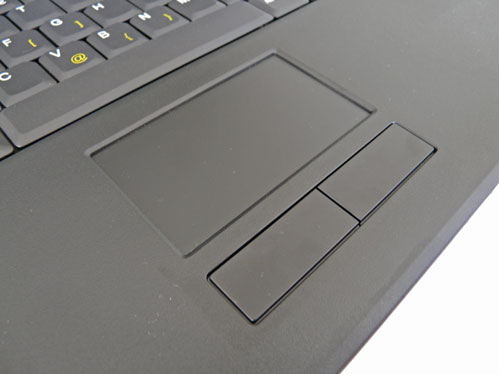
The touchpad, on the other hand, leaves much to be desired. It's huge, but also a bit slow for our liking, it just needs some time getting used to. You won't get used to the lack of a scroll bar that easily, especially if you've used a notebook with a scroll bar earlier. The touchpad buttons are, however, first class. They're large and they feel sturdy, but they don't make up for the aforementioned shortcomings.
With the keyboard and the touchpad out of the way, let's take a look at the rest of the features you're likely to need in everyday use. You needn't worry about connectivity. The Realtek LAN and Atheros Wlan will make short work out of your networking needs. One thing you should keep in mind is that there's no modem on this thing. So, if you're likely to travel to a Third World country, you should consider this as a drawback. In case you travel a lot, a 15.4-inch notebook will be too big and too heavy for you, anyway.
All four USBs are on the right hand side, so if you're gonna connect a mouse you'll have to stretch the cable behind the Amilo. On the upside, the other devices you connect to it won't impede your work if you're using a mouse, leaving the right side free of any cables. If you're left handed, disregard what we've just said - you're in trouble.
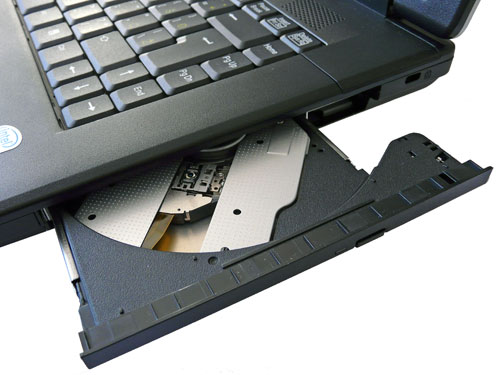
There's no memory card reader, either, but we guess you can always get yourself a combo card with an integrated USB connector. The dual layer optical drive looks nice, it's well hidden, but it's also a bit noisy. With a 250GB hard drive, there's plenty of storage and there's really no reason to rely on DVDs, anyhow.
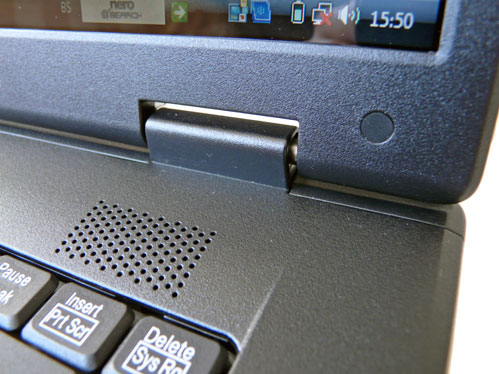
The speakers aren't great, but in all honesty they're no worse than on most low-cost notebooks.